Make a connection map
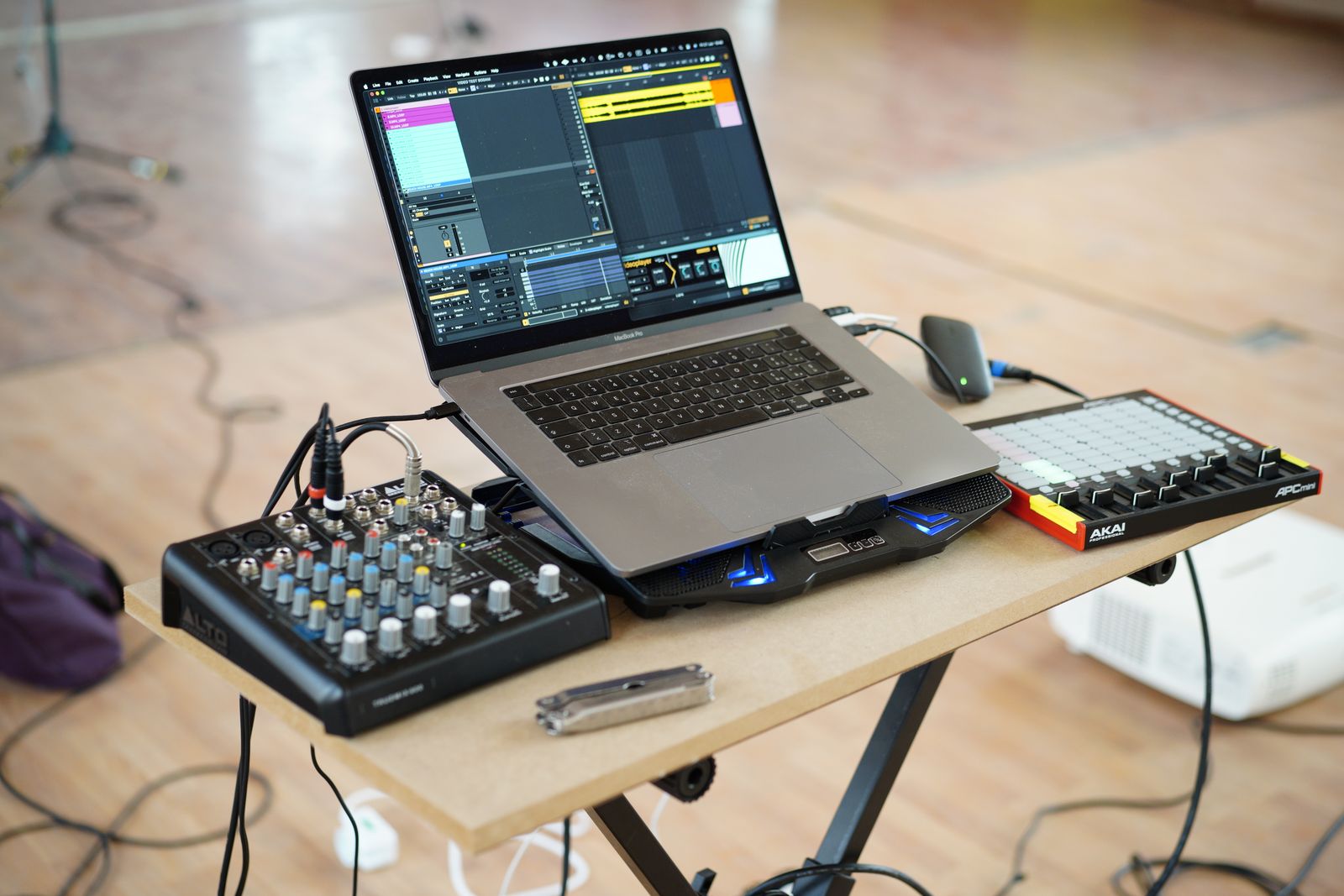
List each device you intend to connect and its required interface. Include an audio interface, MIDI controller, external sample drive, display and any license hardware. Then add the laptop charger. A port used for charging may still support a dock, but that depends on the computer and dock; it should not be assumed available for every purpose simultaneously.
Write the connector shape and supported standard separately. USB-C describes a connector, not a guarantee of Thunderbolt, a particular data rate or sufficient power for every peripheral. Read the laptop specification and the device requirements. An adapter can change the physical connection without supplying missing protocol support.
Follow the interface manufacturer's guidance
Some audio interfaces have specific recommendations about direct connections, hubs or power. Start with those instructions and the supported driver configuration. If a session is unstable, simplify to the interface connected as recommended before adding other peripherals. This makes it easier to distinguish a device problem from a complicated connection arrangement.
A powered hub can provide useful ports, but it is not automatically a cure for every issue. Check its total power provision, per-port limits and data connection to the computer. A group of devices can share the same upstream link even when they occupy separate sockets. Choose around the actual equipment rather than the largest advertised port count.
Think about the physical session
Locate the laptop where cables can reach without crossing the keyboard or pulling on sockets. Right-angle plugs may help in a tight space, but verify that they do not obstruct adjacent ports. Keep an external drive where it cannot be knocked off the desk by moving the MIDI keyboard. A short tidy cable is useful only if it leaves enough slack for normal movement.
If the setup travels, document which device uses which port and pack the tested cables together. An unfamiliar replacement cable may have different capabilities despite looking identical. Label special-purpose adapters so they do not become indistinguishable from ordinary charging accessories.
Test the complete load
Before relying on the laptop for a recording, connect the full intended setup and run a representative session. Record audio while the library drive and controller are in use, then reopen the project. Check for disconnections, unexpected power warnings or missing devices. A test with only a mouse attached says little about the music configuration.
Keep a simpler fallback plan where possible, such as a session using internal storage and only the essential interface. The goal is not to avoid all hubs; it is to understand the tested arrangement and have enough compatible connections to work without repeated improvisation.