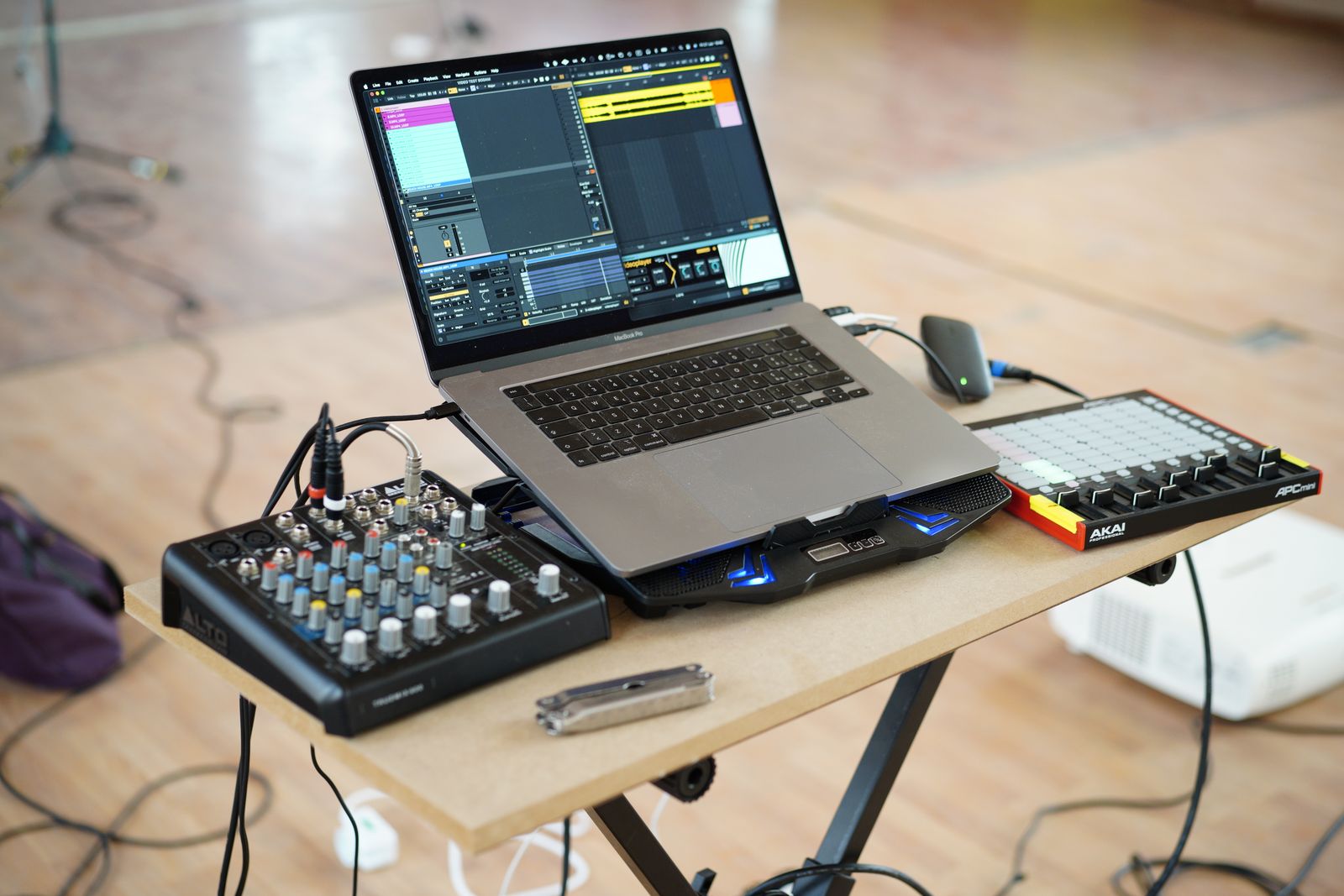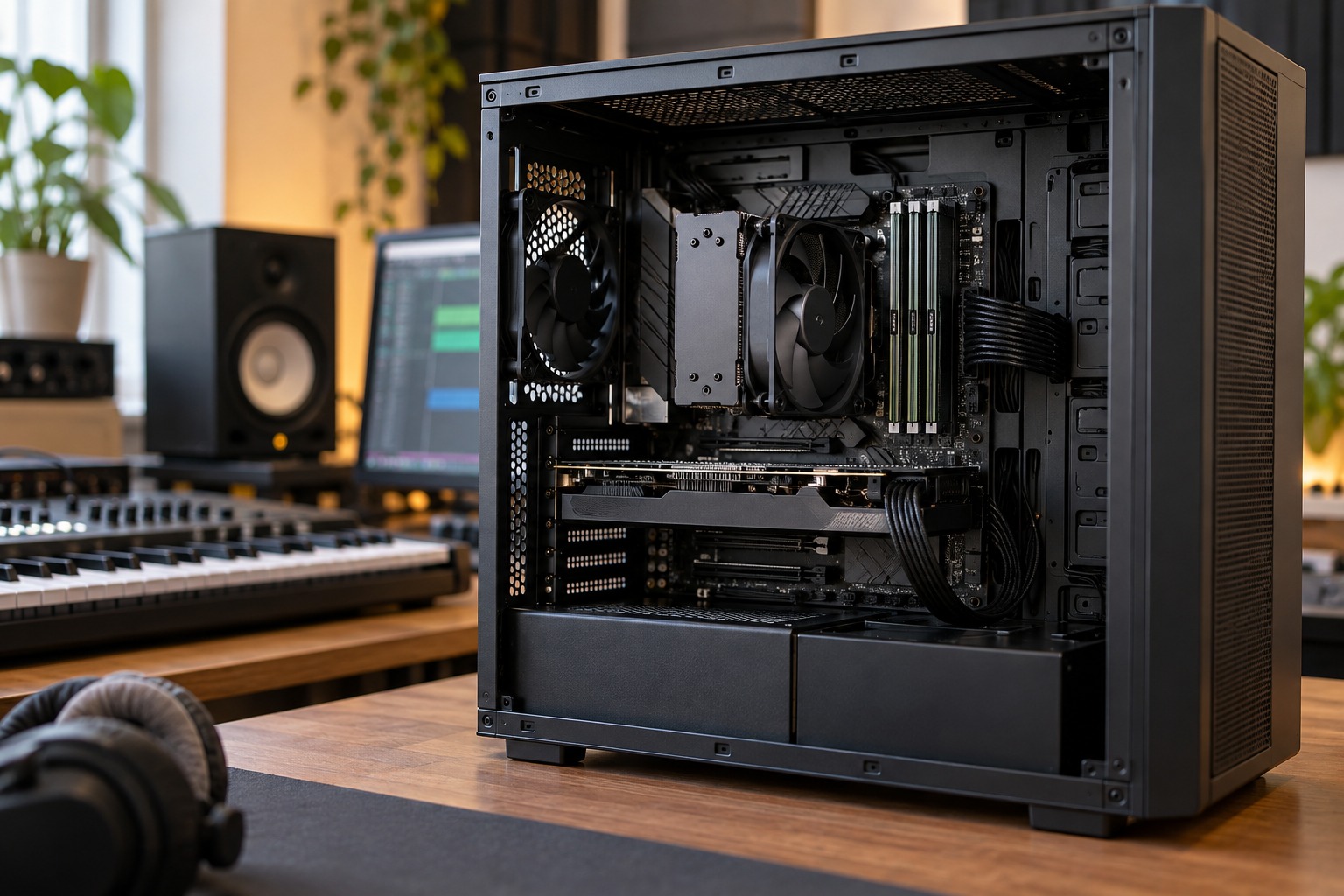
Describe the work happening in real time
A DAW has to finish audio processing within repeated time windows. Playing a software instrument or monitoring a guitar through effects makes timely processing important. A project can become difficult even when the computer feels responsive in ordinary desktop use. The workload is not the same as opening documents or streaming a finished song.
Processor specifications should therefore be considered with the DAW, plug-ins and buffer setting. More cores, a higher clock number or a newer product name alone does not describe every audio workload. Look for application guidance and a representative test rather than ranking unfamiliar processors from one headline figure.
Memory holds the working material
Loaded samples, project data and application state use memory. A session built around large sampled instruments can have different memory needs from one using mostly recorded audio and simple effects. Ableton's guidance separates this role from CPU processing and warns that running out of RAM can impair real-time performance.
Extra RAM does not automatically cure a processor-heavy effects chain. Equally, replacing a CPU is not a sensible first answer to a project that is short of memory. Observe the application's performance indicators and the operating system's memory use while running the actual session. Interpret them together with any dropouts rather than treating a single meter as a complete diagnosis.
Use a controlled comparison
Open a representative project and note the audio settings. Play the same busy section each time you test a change. If you change buffer size, plug-in quality settings and track count simultaneously, the result will be difficult to interpret. Keep a small record of the setting that produced stable playback and the one that did not.
Temporarily bypass or freeze a demanding instrument using the DAW's documented workflow to see whether it affects the problem. Work on a copy and preserve the editable source. These experiments can identify a workload bottleneck and may help you finish a session, but they are not proof that a particular future computer will perform identically.
Buy for the sessions you can describe
If you mainly record a few audio tracks, prioritize a supported interface, stable system and enough memory for that work before buying an enormous sample-library configuration. If you already use large libraries, plan their documented memory and storage requirements rather than assuming the DAW's minimum alone is enough.
Check upgrade options before purchase. Some computers have fixed memory, while others permit expansion. Also consider cooling and acoustic noise: a powerful laptop may be awkward beside a microphone if its fan becomes intrusive under the workload you intend to record.
A balanced specification leaves room for the operating system and ordinary supporting applications without promising unlimited tracks. The useful question is whether your expected session runs reliably at an acceptable monitoring delay, with enough capacity for foreseeable additions. That is a concrete target that CPU and memory choices can support together.