Define one project you want to finish
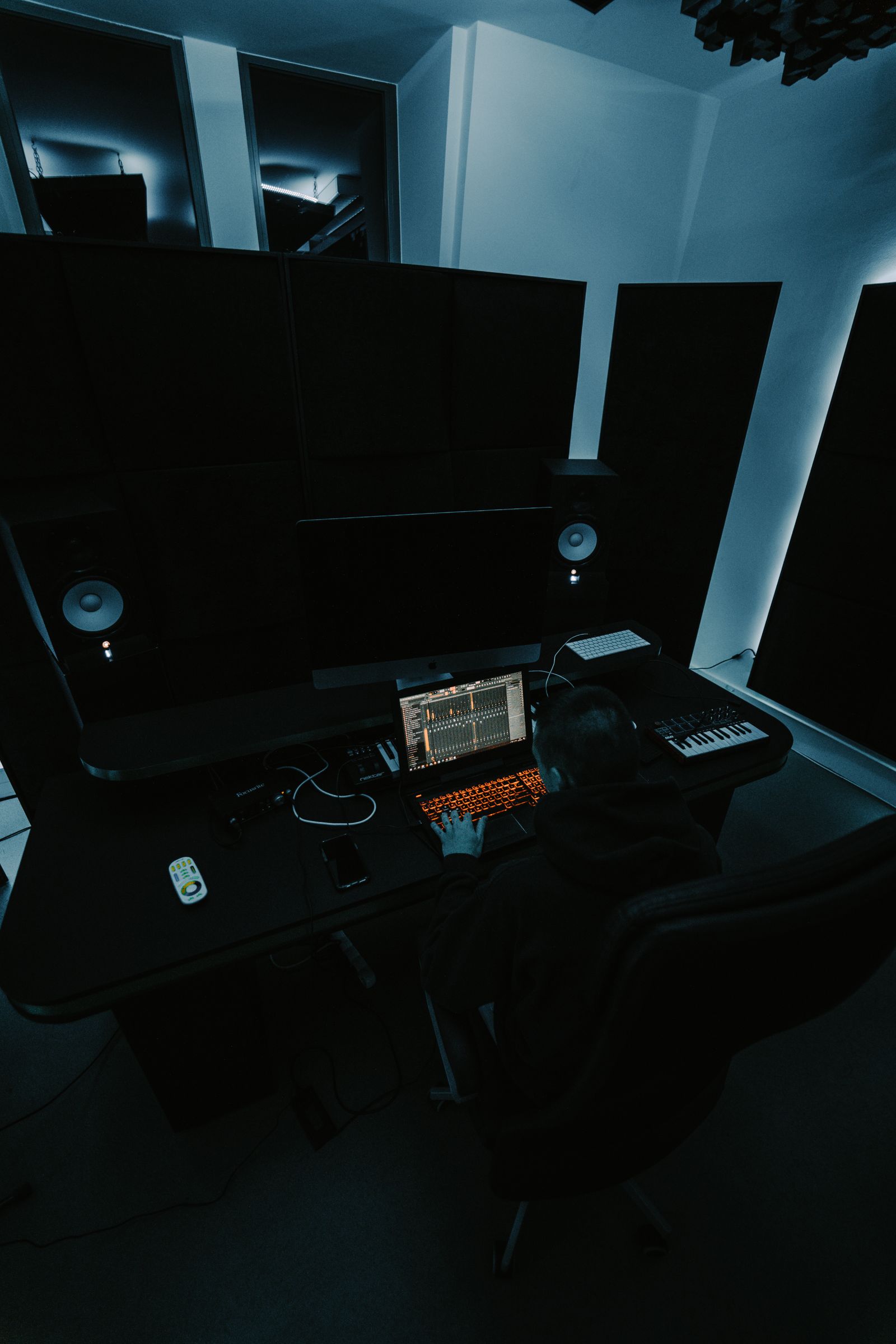
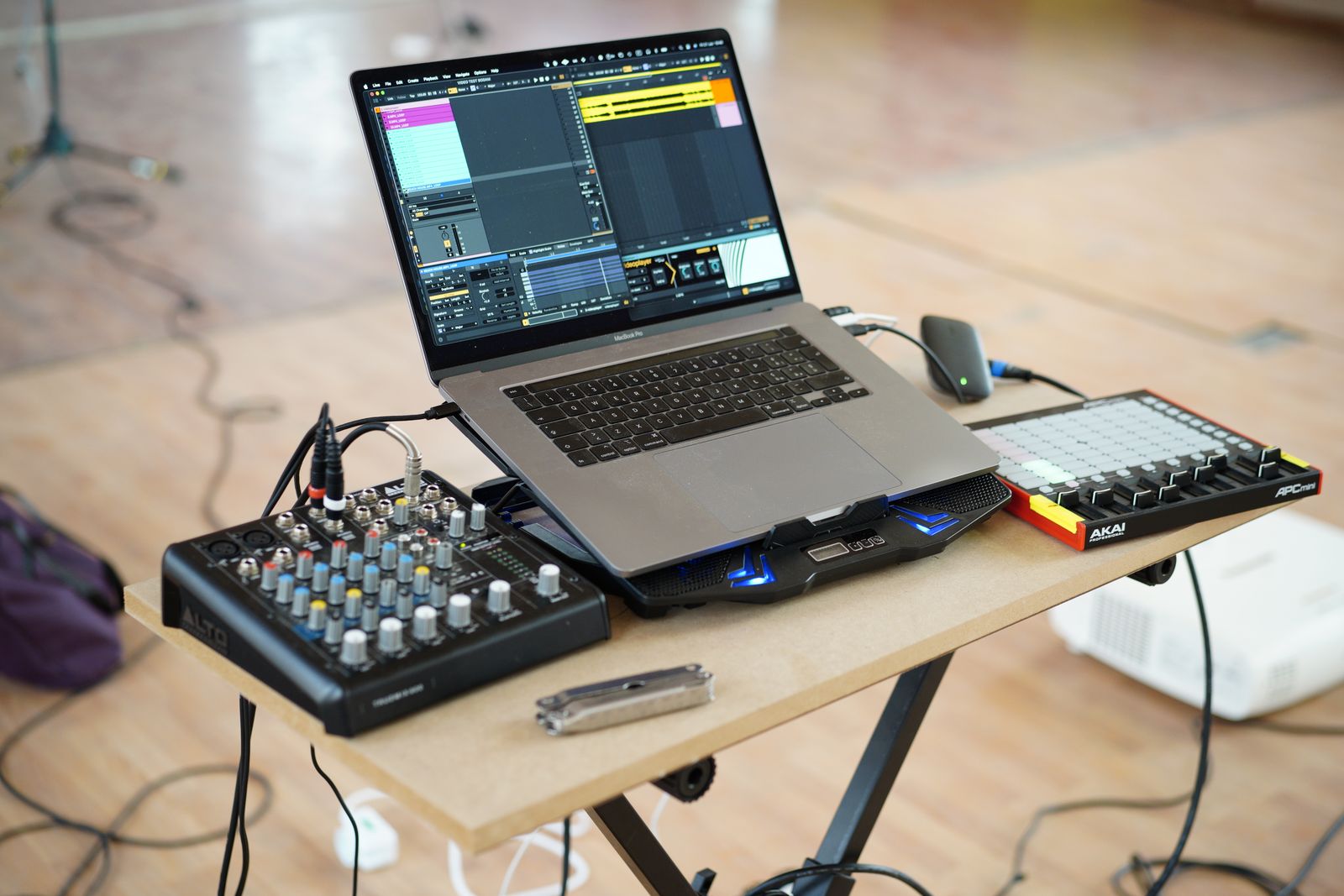
Write a concrete brief before downloading trials. You might want to record guitar and voice, arrange a beat from samples, score a short video or build a song from a MIDI keyboard. Each task puts different pressure on recording, editing, browsing and routing. A program that feels ideal for one can still be workable for another, but the first learning steps will differ.
Keep the trial project small enough to complete. For a song sketch, create a few tracks, record a short part, make one edit, add a simple effect and export an audio file. This exercises the whole path from idea to deliverable. Spending the trial period browsing presets tells you much less about how the program fits your work.
Check the edition, not just the product name
DAWs are often sold in several editions. Compare the limits and included features of the exact one you can afford. Track counts, export options, video support or included instruments may differ. Do not learn a workflow in a trial of the largest edition and assume every step is available in the entry version.
Check the current operating-system and processor requirements on the official site. Include your audio interface driver and any plug-ins you intend to use. A computer that can install the DAW is not necessarily a comfortable machine for a large sample library. If possible, test with the actual interface and controller you will use rather than an unrelated store computer.
Notice where you lose the thread
During the trial, write down the moment you become confused. Is the problem locating a recording input, understanding clip movement or finding the rendered file? Look up those tasks in the official documentation. Clear help for your recurring questions can matter more than an interface that initially looks familiar.
Try undoing an edit and reopening the project after closing the application. Confirm that the recorded media is still present. These ordinary actions reveal whether you understand the project structure. A DAW is not only a place to make sounds; it is also a system for preserving and revising decisions.
Compare the surrounding costs
Read the license terms, upgrade policy and any subscription conditions. Identify which included sounds or tools are permanent and which depend on a trial or separate account. Avoid buying additional plug-ins to compensate for features you have not yet learned in the DAW. A basic equalizer, compressor and instrument may already be sufficient for the first projects.
Consider the learning resources you intend to use. A course for the same major version and edition reduces translation work, while general recording principles can transfer between programs. If collaborators use another DAW, discuss exchanging audio files rather than assuming native project files will open across applications.
After the trial, compare the exported results and your notes. The strongest candidate is the one in which you can explain how a small project was made and how to reopen it reliably. That is a more useful foundation than choosing the program with the longest feature list and hoping the workflow will become clear later.