MIDI is not the instrument's audio
MIDI messages can tell a sound source which notes to play and how to respond. They do not, by themselves, carry the sound coming from an ordinary hardware synthesizer. If you want to record that synthesizer's audio, you also need its supported audio connection to the recording system. A USB port may carry MIDI, audio or both depending on the product.
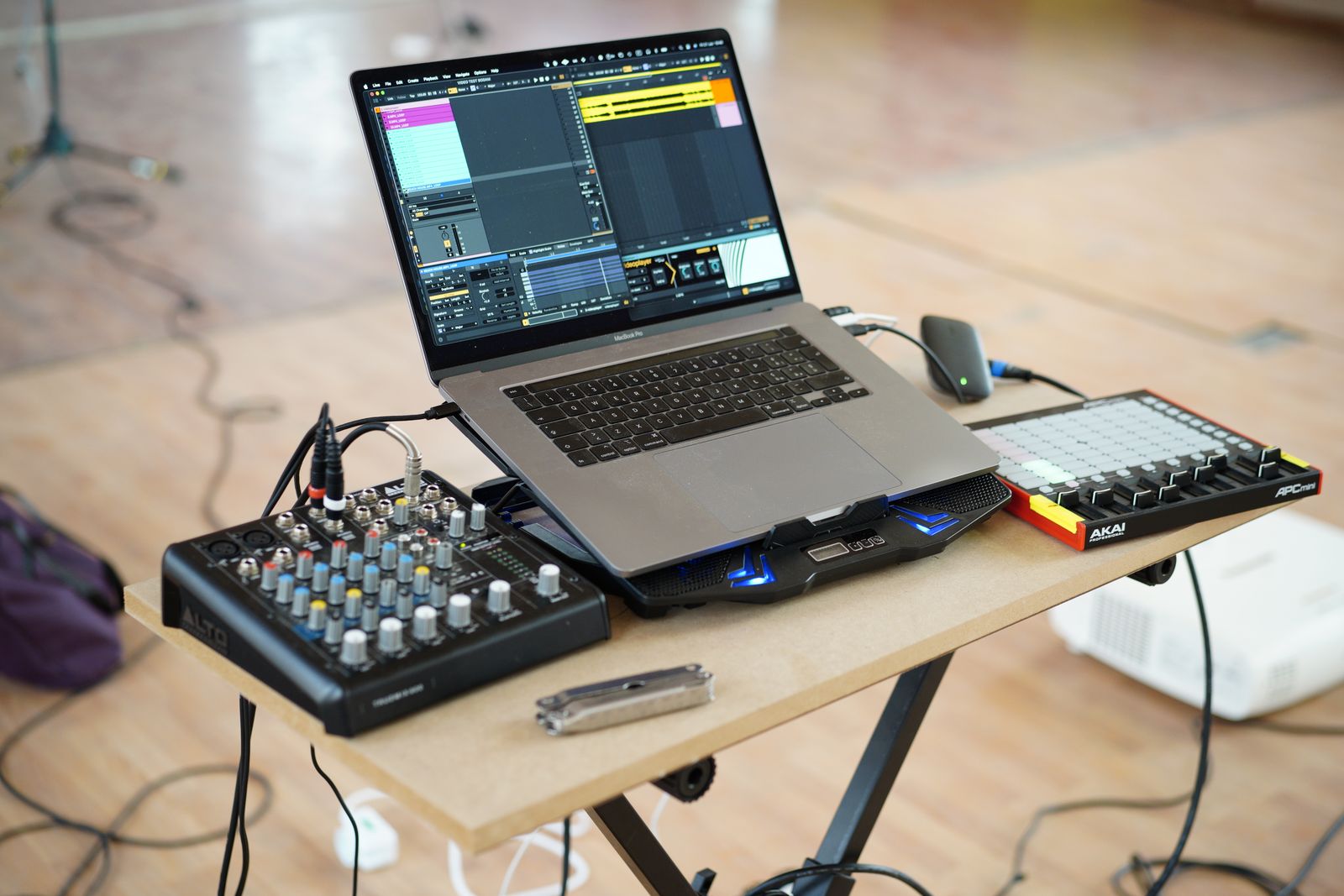
Start by writing what you want each device to do. A controller might send notes to the computer, while the computer sends notes to a hardware instrument and receives its audio. These are separate paths. A simple diagram prevents the assumption that one cable must provide every function because it fits both devices.
Follow output to input
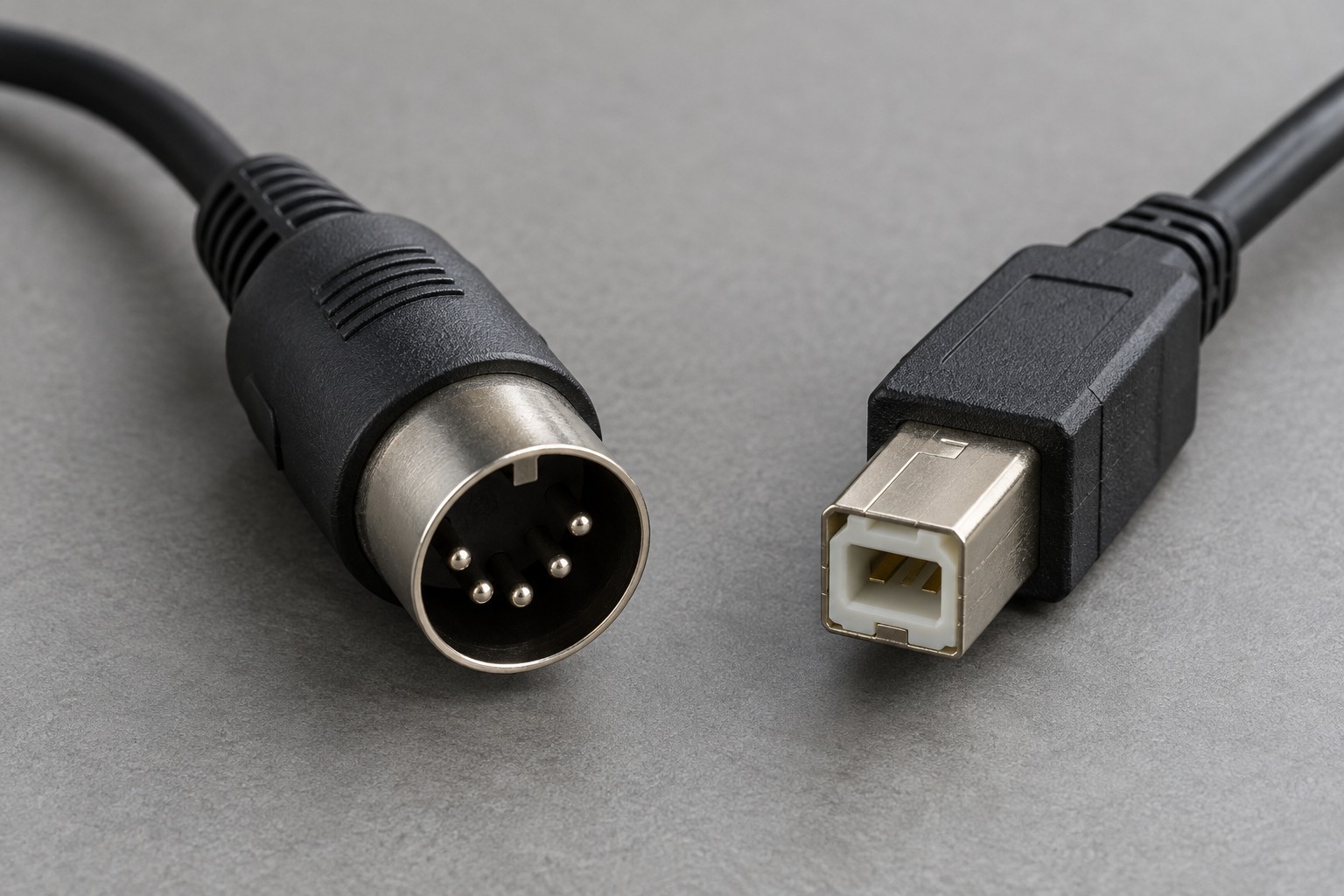
For a conventional five-pin connection, a transmitting MIDI OUT feeds a receiving MIDI IN. A computer without suitable MIDI ports needs an interface. The MIDI Association explains that USB-to-DIN cable-style interfaces contain electronics; they are not merely passive wires joining different plug shapes.
Read labels on cable-style interfaces carefully. Some describe the connector's function, while others indicate the device socket to which it should attach. Follow the product instructions rather than guessing from IN and OUT alone. If the connection does not work, verify direction before changing unrelated DAW settings.
USB needs the right roles
Many controllers connect by USB to a computer acting as host. Two USB devices do not necessarily communicate when joined with an adapter. If you want a computer-free arrangement, check whether one device provides the required host function or whether a compatible dedicated host is needed. Connector shape alone does not establish that role.
Check power and driver requirements too. A controller may be class-compliant on one system but need a manufacturer utility for configuration, or an older device may require a supported driver. Use the official compatibility information for the exact operating system and hardware revision.
Test one direction at a time
First confirm that the receiving software shows incoming MIDI activity. Then select a sound source and verify its input routing. If activity appears but no sound is heard, the cable may be working while the instrument or audio output is not. Separating these stages avoids replacing hardware for a software-routing issue.
For a two-way system, add the return path only after the first direction works. Check MIDI-thru and echo settings so messages are not unintentionally sent around a loop. Record a short phrase, play it back and confirm that each note occurs once. Save the working port names and settings with the project notes; ports can look similar when several devices are connected.
The best purchase is the smallest compatible interface arrangement that carries the required directions reliably. Extra sockets are useful when they correspond to planned devices, but they do not remove the need to understand where the messages and audio are going.
A keyboard-and-module example
Suppose a controller has USB only and the sound module has five-pin MIDI IN. A passive plug adapter is not enough to establish the necessary USB-host and MIDI-interface functions. A computer with an appropriate interface may provide the bridge, or a dedicated host may do so if it supports the controller. Verify the complete arrangement with both device manuals before ordering a cable advertised as a converter.
If the controller also has a conventional MIDI OUT, a direct five-pin connection may be possible instead, subject to the devices' specifications and power arrangements. You would still connect the module's audio output to a suitable listening system. Keeping that audio line on the diagram prevents the common surprise of seeing MIDI activity while having no route through which to hear the instrument.