Measure the complete device
Record the interface's width, depth and height including controls, switches and any feet. Compare those measurements with the case's usable interior after padding. A case described by laptop size or by its outer dimensions does not tell you whether a large gain knob will press against the lid.
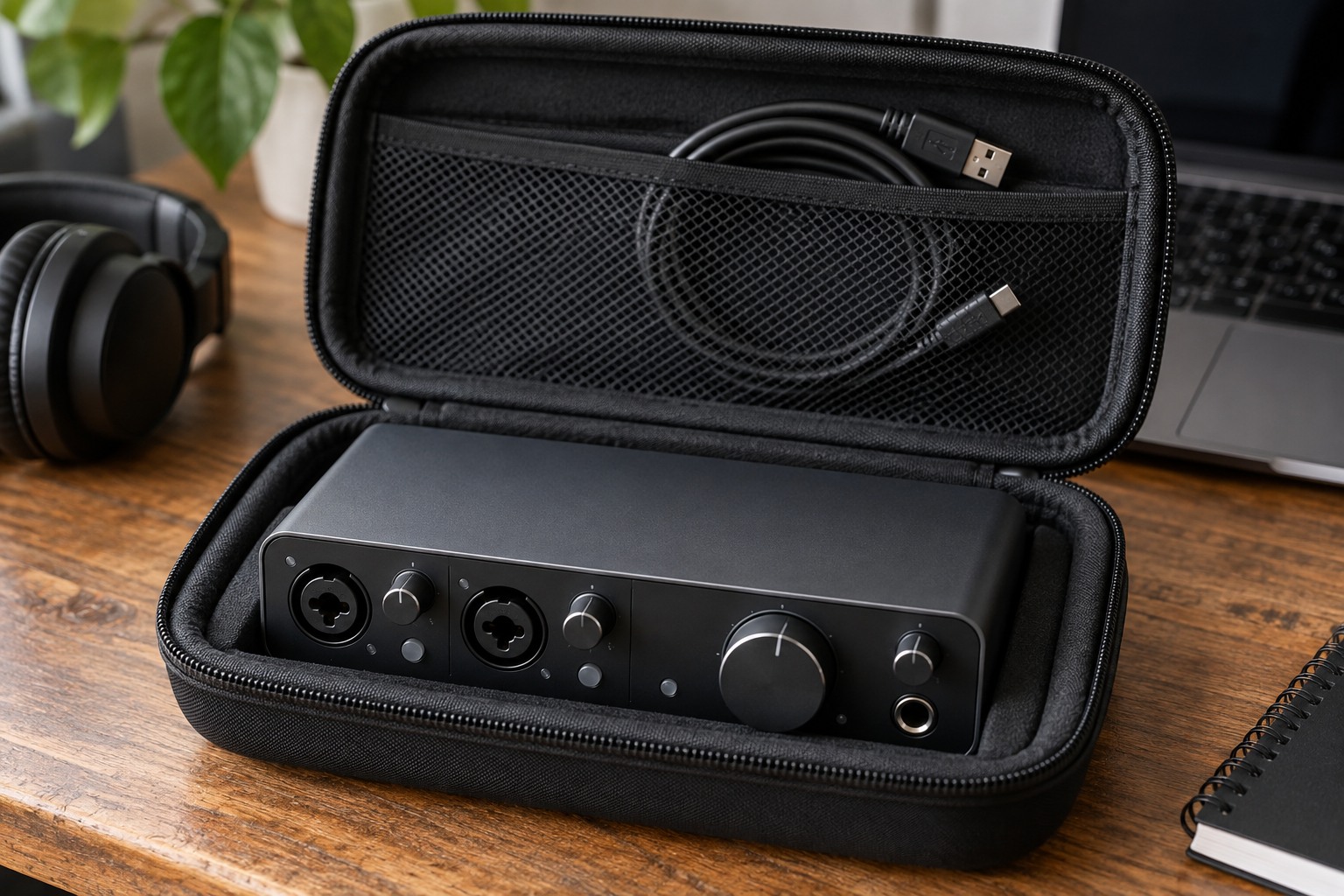
Try the empty case with the interface resting naturally inside it. The closure should not require pressure over the controls, and the device should not slide freely between the ends. Adjustable dividers can help, provided they support the chassis rather than concentrating force on a connector or button.
Disconnect for the journey
Follow the interface's shutdown and disconnection instructions before packing. Remove detachable cables so that a plug is not used as a lever against a socket during transport. Keep any original port protection that the maker supplies and avoid inserting makeshift objects into the connections.
Store the power adapter and cables in a different compartment or behind a suitable divider. A heavy adapter placed directly on the interface can defeat the purpose of a padded case. Check that connector tips cannot reach the device through a loose mesh pocket when the lid closes.
Pack the actual cables required at the destination. A USB connector that fits the interface does not guarantee the host end suits another computer. Include a known compatible lead and the manufacturer's power arrangement where required, rather than assuming an unfamiliar studio will have a suitable spare.
Plan for the computer as well
Keep a note of the interface model, supported operating systems and any required driver or control software. Before an important session on another computer, check the manufacturer's current compatibility guidance and arrange installation with the computer's owner. Discovering a permission or driver issue after unpacking is avoidable preparation work.
Retain a simple diagram or photograph of your normal connections without exposing private information. It can help restore monitor and headphone routing after the interface returns home. A short checklist of the interface, its required supply and the essential cables is usually easier to use than a complicated inventory.
Inspect before reconnecting
At the destination, place the case on a stable surface before opening it and check that controls and sockets have not been damaged. Let equipment reach conditions permitted by its instructions before use if it has come from a substantially different environment. Do not power it while damp or visibly damaged.
Set up with listening levels lowered and follow the normal connection sequence for the equipment. Keep the empty case where it cannot become a trip obstacle and use it to hold disconnected accessories. Packing should make the next setup predictable, not simply make everything disappear into the smallest possible bag.