Identify the case and its instructions
Check the model and generation before following a cleaning guide. The earbuds and case can have different care requirements, and a water-resistance statement for one component should not be transferred to the other. Identify which areas the maker allows you to clean and which should be left alone.
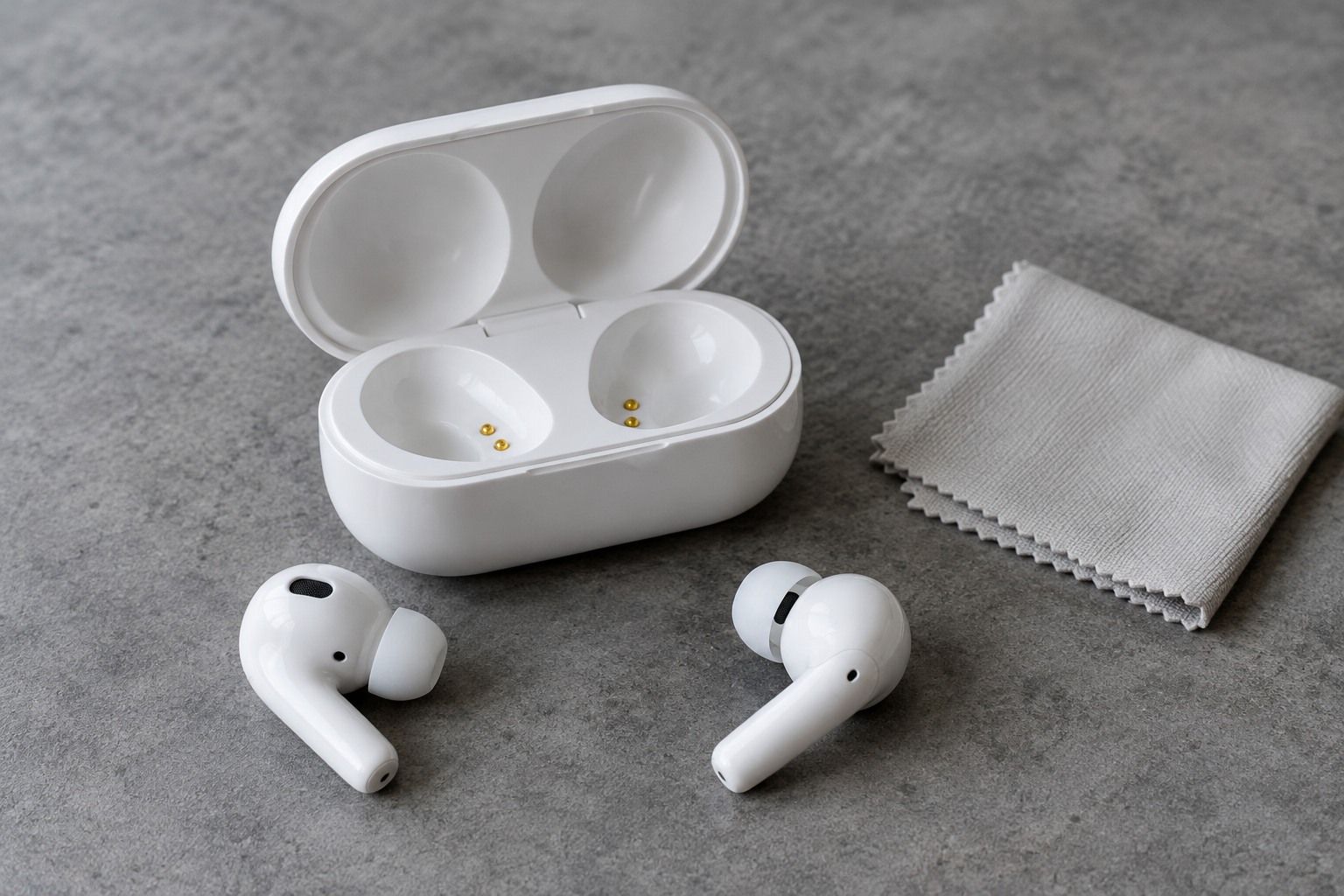
Remove the earbuds and disconnect charging connections as directed. Work on a clear surface where small parts cannot roll into a sink or disappear under equipment. Inspect the case wells, hinge and charging connection under good light. A visible bent contact or damaged socket calls for service guidance rather than more vigorous cleaning.
Keep tools out of the wrong places
Apple's AirPods case instructions specify a soft, dry, lint-free cloth, describe using a clean dry soft-bristled brush for debris around the charging port, and warn against inserting objects into the ports or allowing liquid inside. Follow the instructions for your own case rather than assuming a general-purpose cleaning kit is approved.
A tool sold with a pointed metal end is not a reason to scrape charging contacts. Likewise, a narrow swab does not automatically fit safely into an earbud well. If the manufacturer's method does not remove a deposit, contact support instead of increasing pressure or introducing a different solvent.
Keep any permitted cleaning product away from the device until you have read how it should be applied. A slightly dampened cloth and a sprayed case are not equivalent treatments. Never treat a closed lid as a seal that makes a case suitable for rinsing or immersion.
Reassemble only when ready
Allow the case and any cleaned parts to dry fully as required before charging or returning the earbuds. Check that each earbud sits in its intended well without an accessory blocking the fit. A protective outer cover can also obstruct a charging plug or conceal retained moisture, so inspect it separately.
After reassembly, observe the normal charging indicators described in the manual. If charging is still unreliable, check the recommended cable, power source and troubleshooting sequence. Avoid repeatedly pressing an earbud against its contacts in the hope that a mechanical fault will resolve itself.
Store the case in a clean pocket or compartment rather than loose with keys, grit and food crumbs. A small dry cloth kept with the case can help with routine surface care, but it should be washed or replaced when dirty. Keeping the storage environment clean reduces the need for increasingly complicated cleaning tools.