Inventory the equipment first
Record the power requirements shown on each device or its approved adapter. Include the computer, displays, powered speakers, interface and any chargers that share the arrangement. Use the equipment's electrical documentation rather than estimating consumption from its physical size or audio output specification.
Consider what else uses the room's circuit. A desk may share supply capacity with equipment elsewhere, and simply moving a plug to another nearby outlet does not prove it is on a different circuit. If capacity or wiring condition is uncertain, have a qualified electrician assess it rather than experimenting with repeated breaker trips.
Choose equipment intended for the local supply and follow its installation instructions. For a U.S. setup, verify the product's stated voltage, grounding arrangement and relevant safety listing. An imported adapter or strip should not be selected solely because a plug converter makes it physically connect.
Separate the functions being advertised
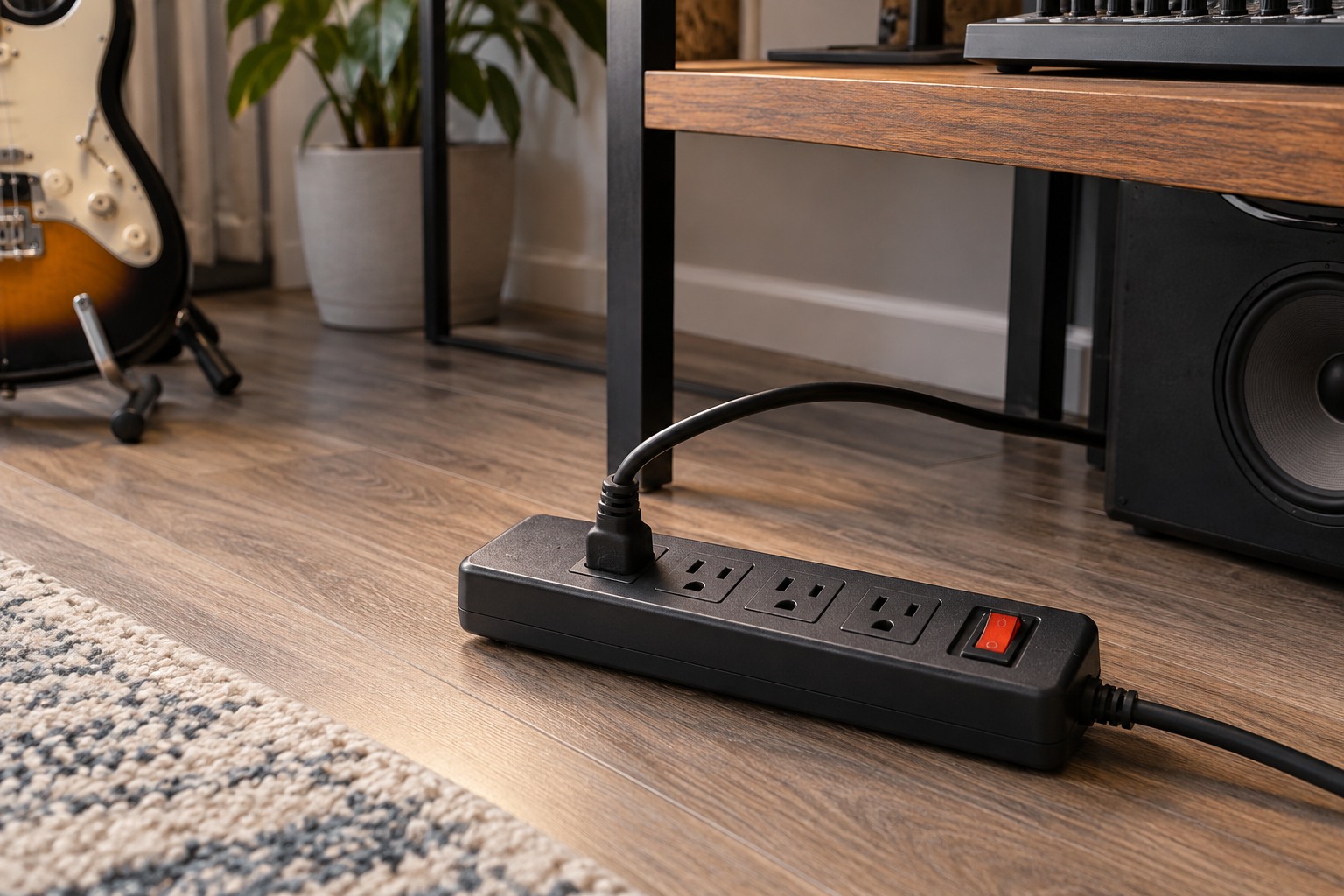
A basic outlet strip, a surge protector and an uninterruptible power supply serve different roles. Read the actual specification rather than treating those names as interchangeable. Decide whether the goal is more accessible outlets, surge protection or time to save work during a power interruption, then compare products designed for that purpose.
Eaton's surge-protector guidance emphasizes respecting load limits and avoiding chained strips. Follow the selected product's permitted connection arrangement. Do not plug one strip into another to solve a shortage of outlets, and do not remove grounding features to address an audio-noise problem.
Look at socket spacing with your real adapters in mind. A compact strip can lose several usable outlets when large power bricks are fitted. A longer, properly mounted unit may be more convenient, but its extra positions still do not increase the allowed total load.
Make shutdown and inspection straightforward
Place the power arrangement where its switch, status indicators and plugs remain accessible. Follow the manufacturer's interpretation of any protection indicator; an illuminated power light alone is not necessarily a statement about the condition of every protective component. Keep the manual with the equipment inventory.
Check cables and housings periodically for damage and stop using equipment that shows a fault. Do not repair a damaged mains lead with a cosmetic wrap or bury it under the desk. Replacement and servicing should follow the product's instructions and be handled by an appropriately qualified person where required.
Finally, write down a shutdown routine that matches the audio equipment manuals. Save the computer session before removing power, and avoid using a master switch as a substitute for the devices' required shutdown steps. A readable power plan helps the next person understand which switch controls what without tracing an entire desk of cables.