Begin with the destination
Ask where the finished audio will go and whether a collaborator has specified a format. A video project, an existing music session, and a personal practice recording may have different requirements. Match a supplied project specification instead of starting at an arbitrary rate and discovering the mismatch at delivery.
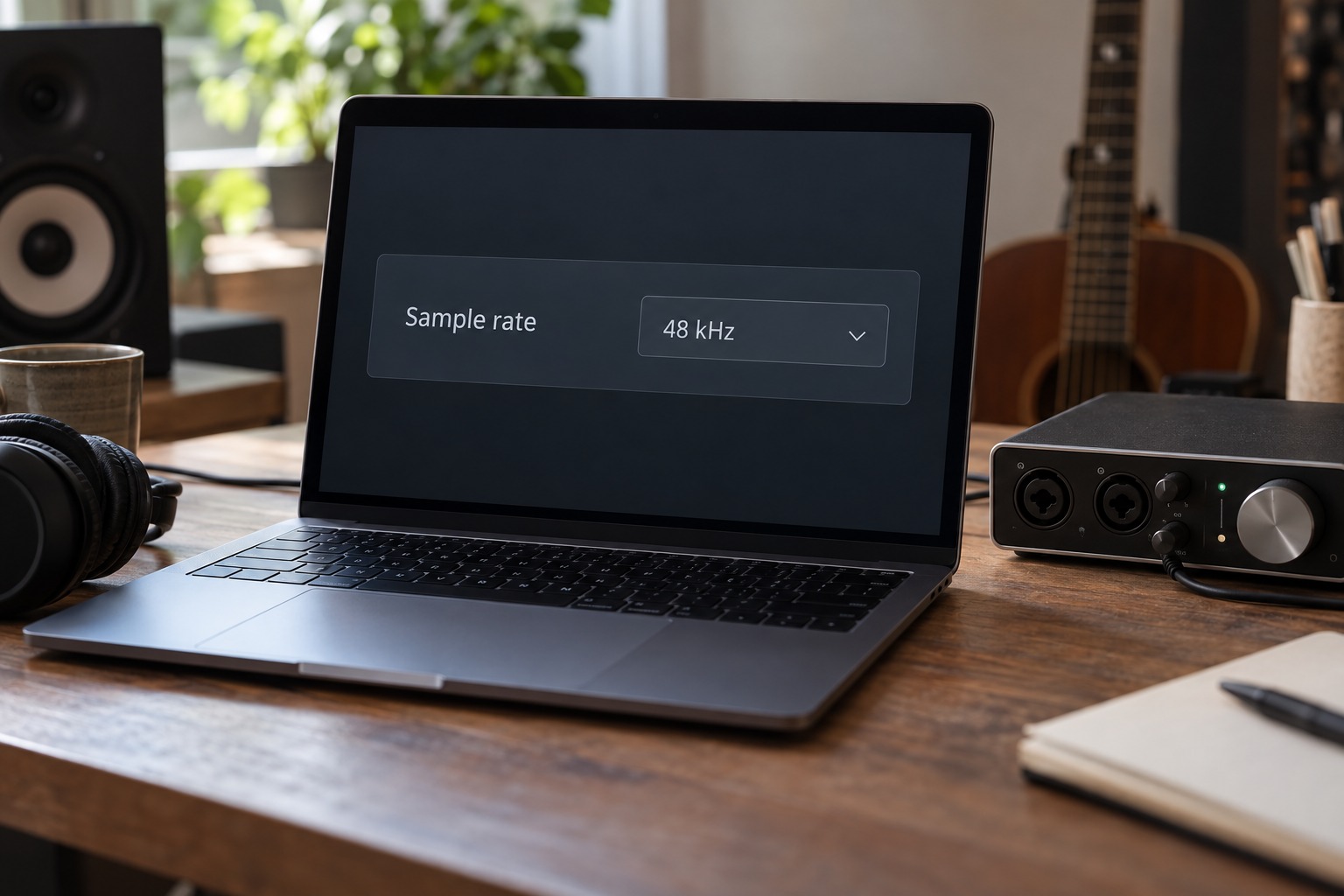
Sample rate describes how many samples are taken per second. Focusrite’s explanation lists 44.1 kHz and 48 kHz as common rates and notes the frequent use of 48 kHz in film work. These are starting conventions, not a substitute for the actual delivery instructions. Write the chosen rate in the project notes so everyone working on the material knows what it is.
Check the whole recording system
Confirm that the interface and recording application use the intended setting. If digital expansion equipment is connected, follow the manufacturers’ clocking and sample-rate instructions. Do not assume that changing one menu automatically configures every connected device. A simple analog-only setup has fewer coordination points, but the application still needs to select the correct interface.
Higher sample rates can change the workload and available features of a recording system. Check the interface manual for channel-count or digital-connection limitations at the selected rate. Test the actual project with its expected tracks and effects before a session rather than assuming a rate supported in an empty project will behave identically under load.
Handle existing audio deliberately
When importing files recorded at another rate, use the application’s documented conversion process. Keep the original files intact and verify that imported audio plays at the intended speed and pitch. Do not merely relabel a file’s sample-rate information as a substitute for conversion. If you are unsure what an import option does, test it on a copy first.
For collaborative work, send a small test file before transferring a large session. Confirm alignment, duration, and playback with the recipient. Include the sample rate and any requested export settings in the handoff note. This prevents a technical setting from becoming a guessing exercise at the other end.
Keep the choice stable during the project
Once recording begins, avoid changing sample rate without a specific reason and a plan for the existing material. Save a backup before any project-wide conversion. A higher number does not repair microphone placement, room noise, or an overloaded recording. Choose a rate that meets the project’s requirements, verify that the system runs reliably, and spend the session’s attention on the performance and capture.
A handoff example
Suppose a collaborator sends a project specification requesting 48 kHz audio and separate files beginning at the same timeline position. Set the session accordingly before recording, and export a short test with the requested alignment. The common start point is as important to that handoff as the sample rate, because it lets the recipient place all files without guessing their timing.
If your personal default template uses another rate, make a project-specific copy rather than changing the template silently for every future session. Name the new project clearly and keep the delivery instructions alongside it. This separates a deliberate requirement from an accidental default. The technical choice is then tied to a concrete workflow instead of a general argument over which number is best.