Separate gain from listening volume
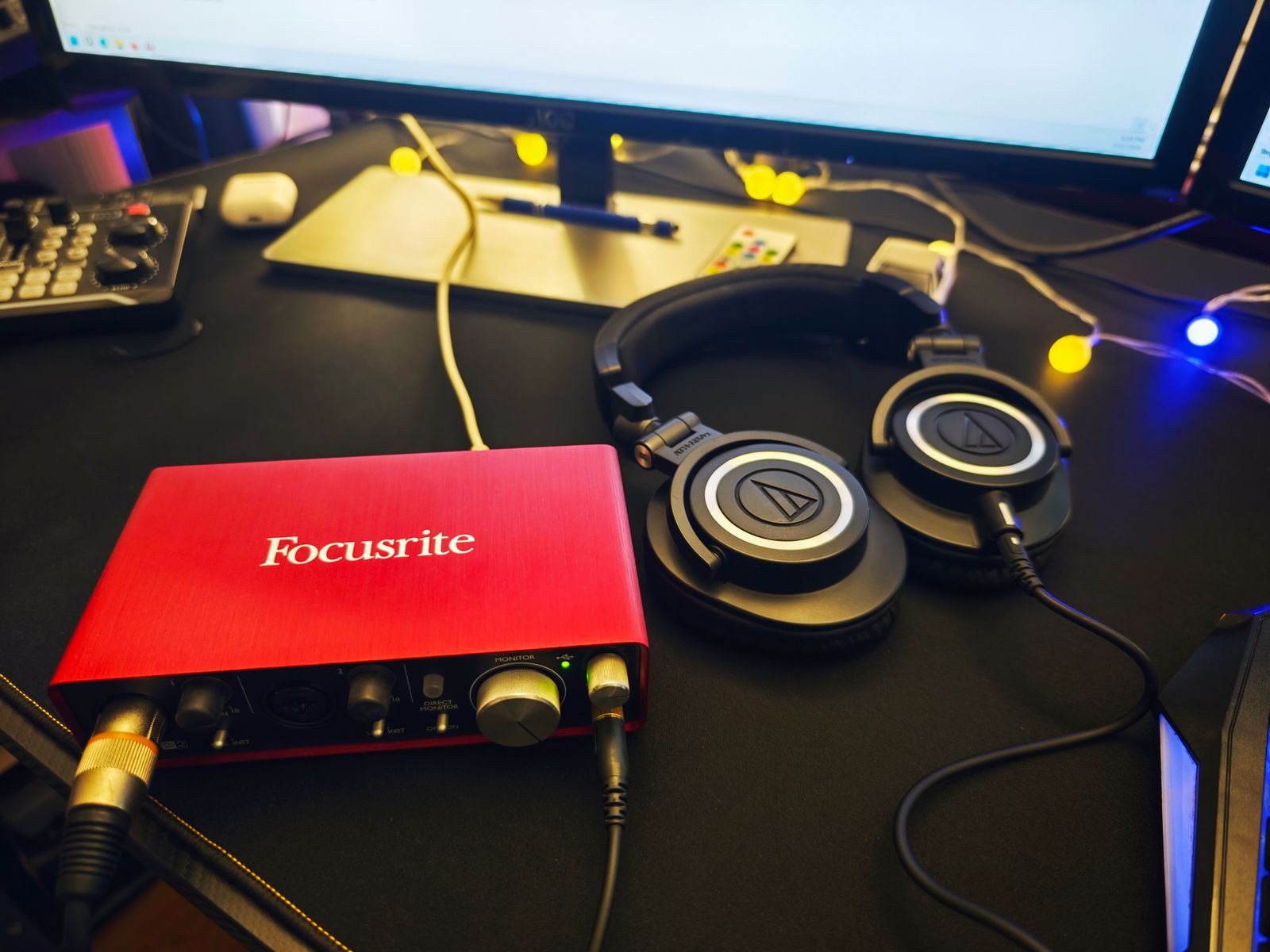
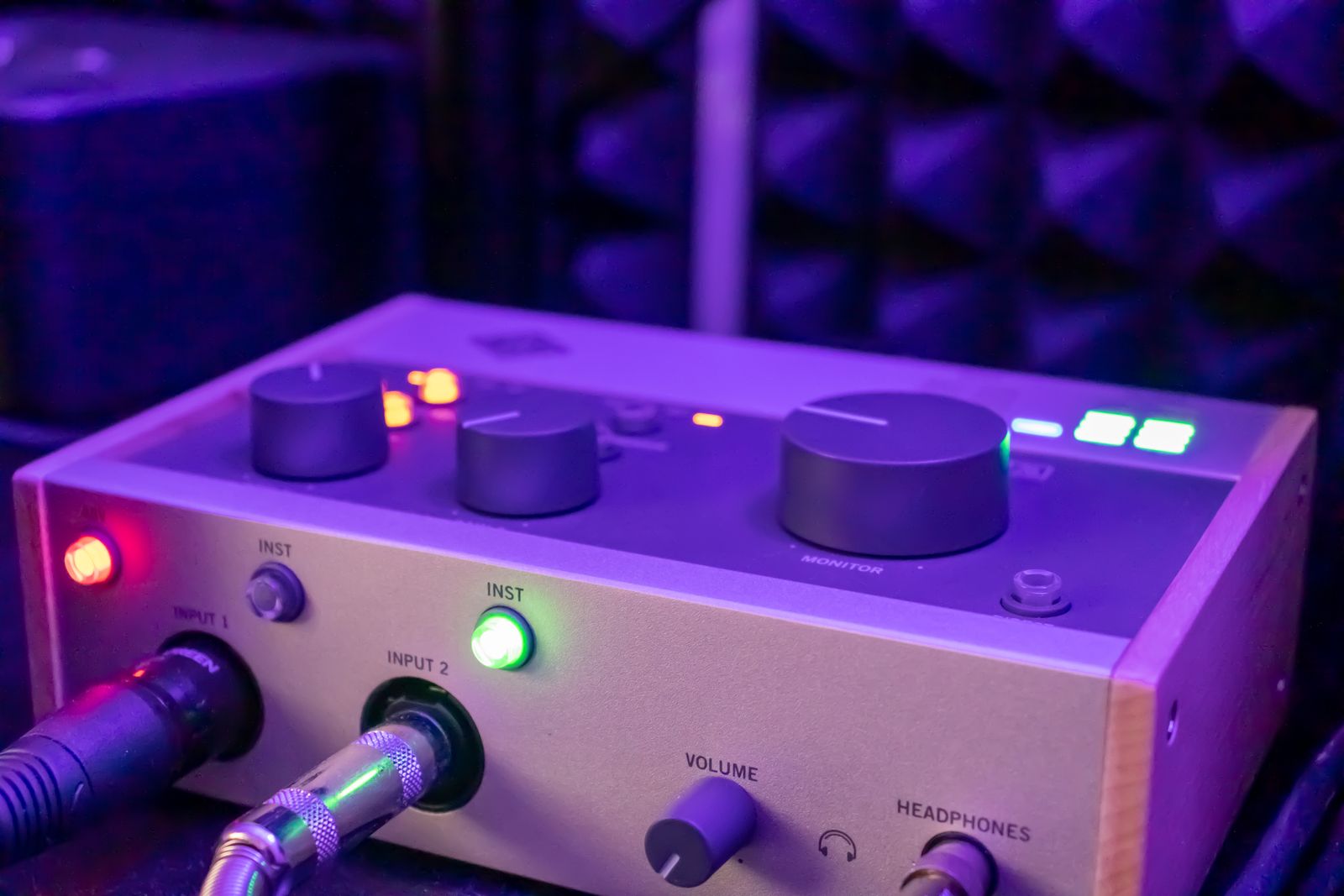
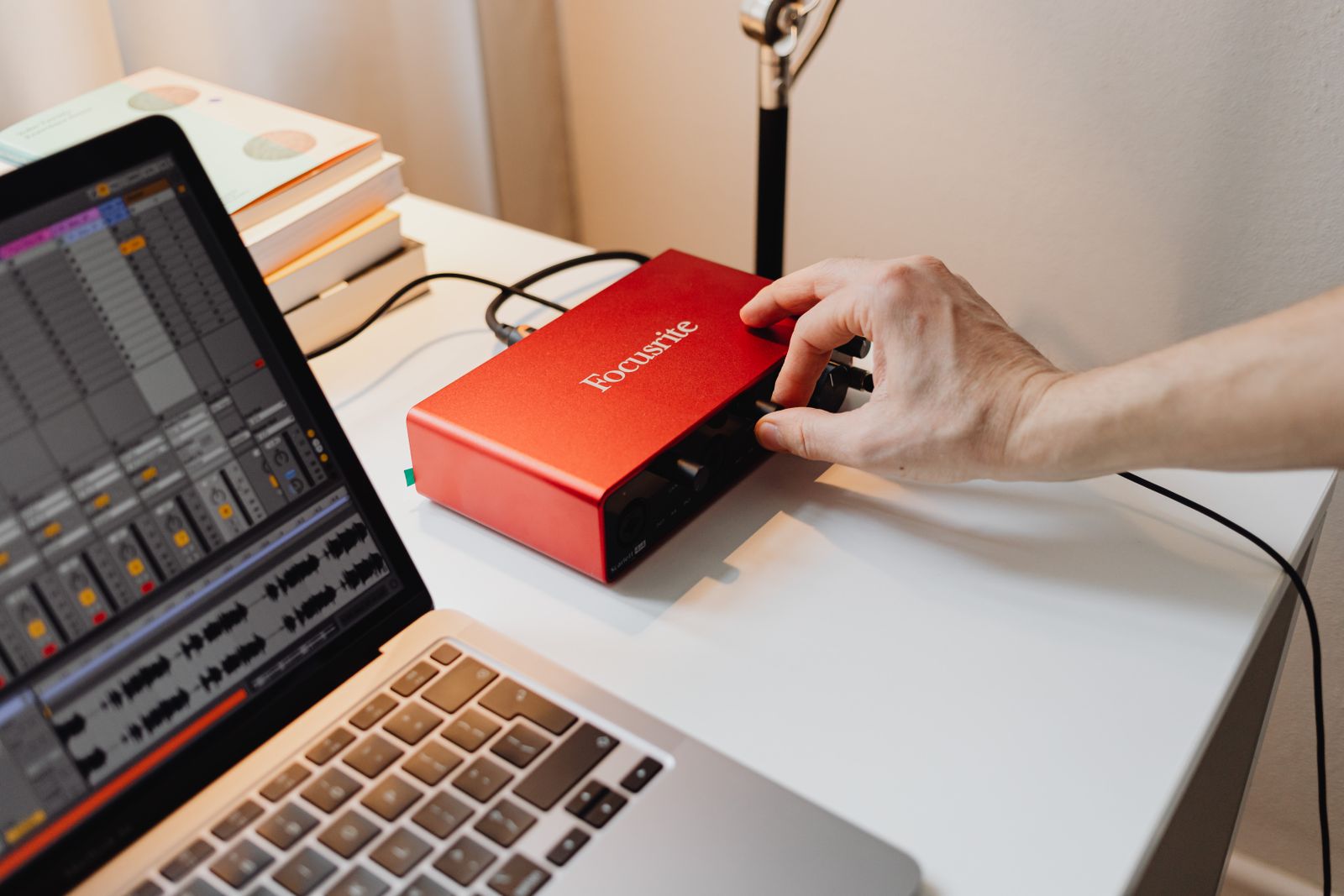
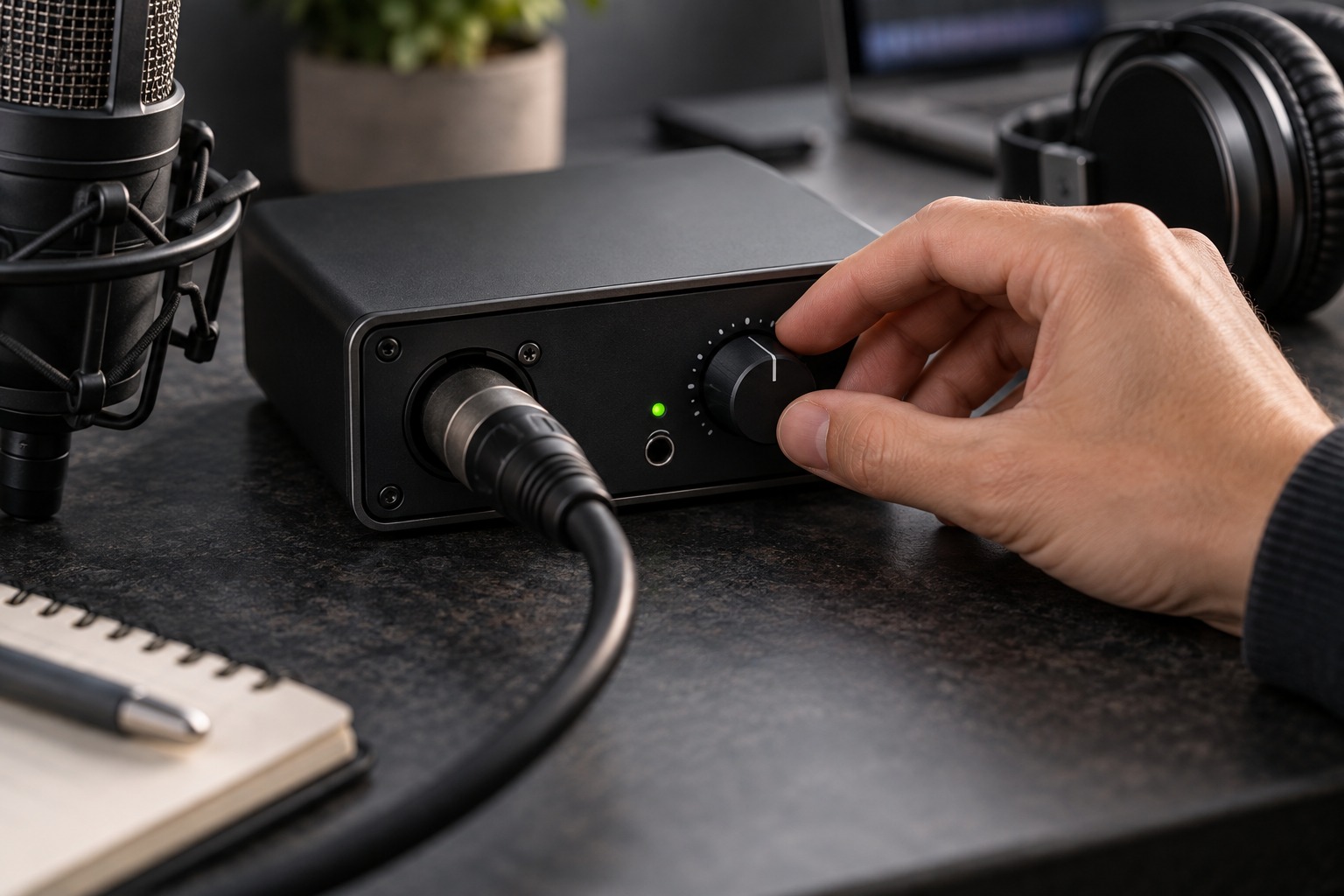
Input gain controls the signal entering the recording path. The headphone or monitor knob controls how loudly you hear the result. Turning up the listening level does not repair a weak recording signal, and turning down the speakers does not prevent an overloaded input. Identify these controls on the interface before making adjustments.
Focusrite’s signal-level guidance distinguishes microphone signals, which need preamplification, from the higher levels produced by many line-level devices. This is why the correct input mode matters before gain is set. A keyboard output and a microphone should not be treated as equivalent sources simply because an adapter allows the same plug to fit.
Use the loudest intended performance
Place the microphone where it will remain during recording and ask the performer to deliver a genuinely loud passage. Start with conservative gain and watch the input meter while increasing it as needed. Leave room for an unexpectedly stronger phrase rather than aiming to touch the top of the meter on every peak.
Check where the meter is measuring. A recording application may show input level, processed track level, or output level depending on its configuration. An effect or fader can change a displayed signal without changing what reaches the converter. Use the interface’s input indication and the software documentation together so you know which stage you are assessing.
Investigate noise before adding another box
If a recording is noisy, identify whether the noise comes from the room, the source, a cable, or the recording electronics. Record a short pause at the intended settings and listen back. Moving the microphone appropriately closer to the source can change the balance between wanted sound and room sound, but the right placement depends on the microphone and performance.
Do not assume that a gain knob near its upper end is automatically faulty or that an inline booster is always required. Check the microphone’s output specification and the interface’s available gain. If an accessory is considered, verify its power and connection requirements and what problem it is meant to solve. A clear diagnosis prevents adding another component while leaving the original noise source untouched.