Count the performance happening at once
Write down one realistic session, including every sound that needs its own recorded track. A singer with a microphone and an electric guitar plugged in directly needs two suitable input channels. A hardware keyboard recorded in stereo uses two line inputs by itself. Add a vocal microphone to that stereo keyboard performance and the requirement becomes three channels. Recording the parts separately can reduce the hardware requirement, but it changes how you perform.
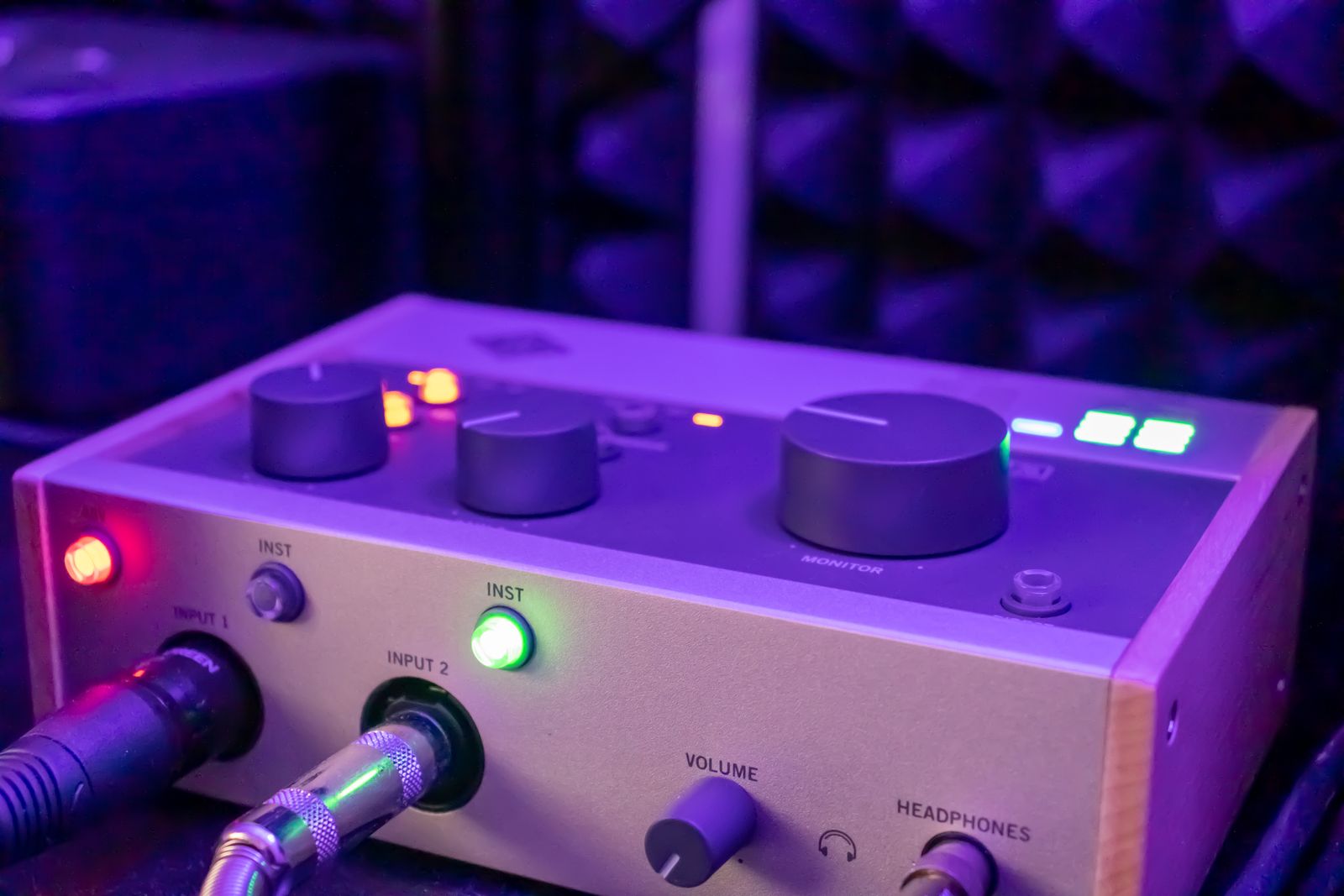
Count usable channels, not visible sockets. Some interfaces provide different connectors for the same channel, so plugging into one disables another. In Focusrite's Scarlett 2i2 fourth-generation specification, the front jack and rear microphone connector for each channel are alternatives, not four independent recording inputs. Digital expansion and software loopback channels can also appear in a headline count. Read the channel diagram and confirm how many physical microphones or instruments can be recorded simultaneously without extra equipment.
Match each source to its input
Microphones, line-level devices, and instruments need the appropriate input mode. A passive electric guitar connected directly generally calls for an instrument or Hi-Z input. A keyboard's audio outputs normally connect to suitable line inputs. An XLR microphone needs a microphone input and preamp. A socket accepting the plug is only the first compatibility check; the manual must also support the signal being connected.
Check the microphone's power requirements separately. Many condenser microphones need phantom power, but power requirements vary by microphone and accessory. Follow both manuals before enabling it. Do not use an XLR adapter to send phantom power into a keyboard or other line output. If a device has global phantom switching, establish whether all connected microphones and cables are compatible with that arrangement. This is a reason to inspect the controls rather than simply ticking a '48V available' box.
Decide what you need to hear while playing
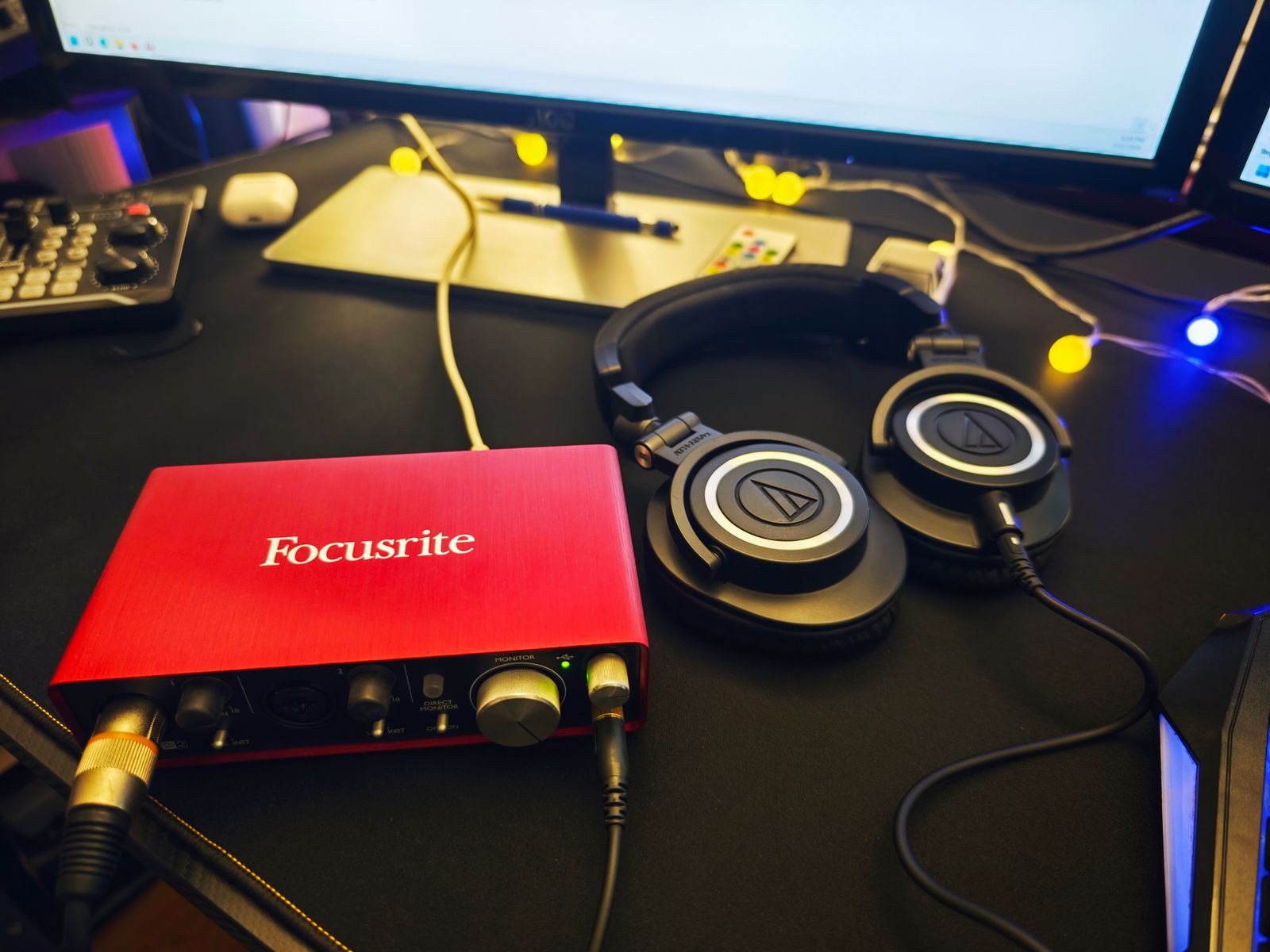
Direct monitoring sends the interface's incoming audio to your listening path without waiting for a round trip through the recording software. Focusrite describes it as near-zero-latency monitoring. It can make an untreated vocal or instrument signal easier to perform with. The same dry signal does not automatically include the computer's guitar amplifier plug-in or vocal effects. If those effects shape how you play, investigate software monitoring and the system requirements for that workflow.
Find out how the direct signal is balanced against computer playback. A physical blend knob, a simple switch, and a software mixer offer different levels of control. Also ask whether two performers need separate headphone levels or different mixes. Two headphone sockets do not necessarily mean two independently routable mixes. For a solo recording setup, one accessible headphone control may be enough; for a vocalist and engineer, that limitation can become noticeable immediately.
Follow the cable all the way to the computer
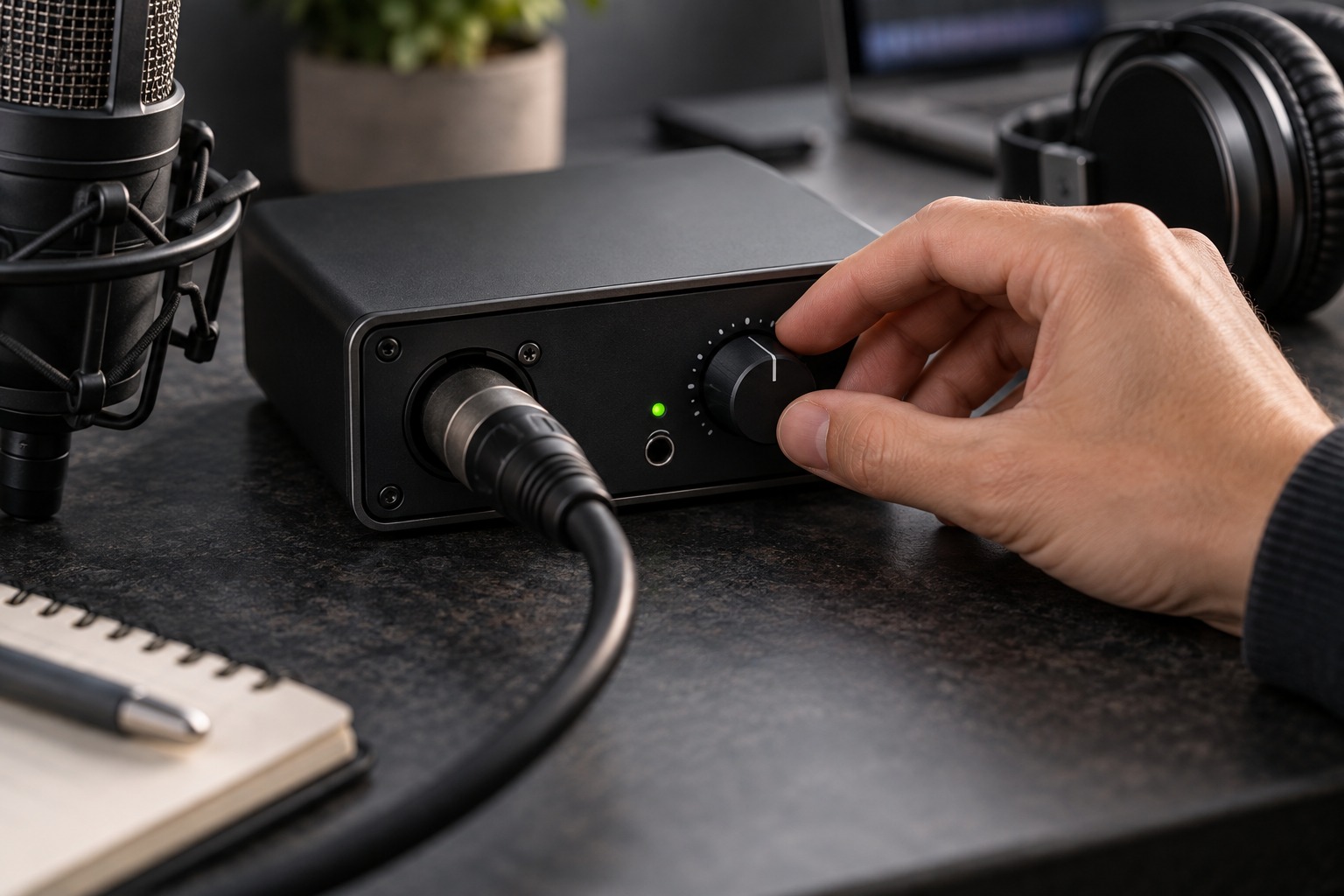
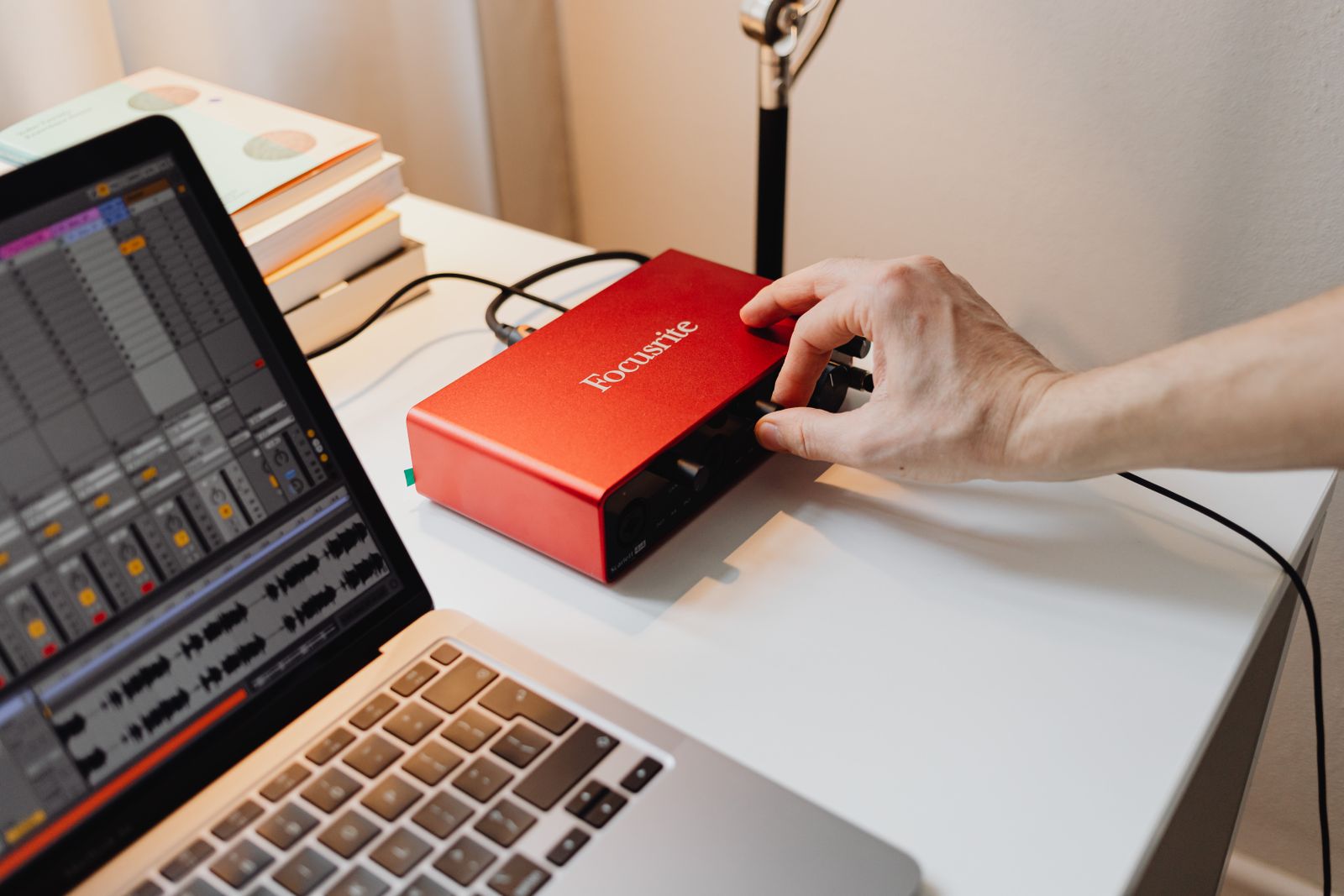
Check the exact operating-system version against the manufacturer's compatibility information. Then identify the required driver or control application, the physical computer port, and the supplied cable. USB-C describes a connector shape; it does not by itself tell you the interface's data requirements or whether your computer can provide enough power. Some devices offer a separate power connection. A portable setup should include its required adapter and power source in the shopping list.
Leave room behind the interface for the connectors. A compact metal box can occupy considerably more desk depth after straight plugs and their cable bends are attached. For a laptop that is frequently packed away, think through which connections will be unplugged each day. Keep the main level control within reach and avoid a position where reaching for it can pull a microphone cable across the keyboard.
Buy the complete recording path
Budget for the pieces that make the interface usable: the right microphone or instrument cable, headphones, and compatible speaker cables if monitors are involved. Check whether advertised software is a full license, a limited edition, or a trial, and whether you already own something that does the same job. A large bundle is less helpful than a clear recording path you understand.
Before the return period ends, record the planned session rather than only testing music playback. Confirm that every input appears on the intended track, each performer can hear comfortably, and a saved project reopens correctly. Check the loudest part of the performance for overload and listen back to a short recording. An interface that handles this actual session has met a more meaningful requirement than one that merely has the largest specification sheet.