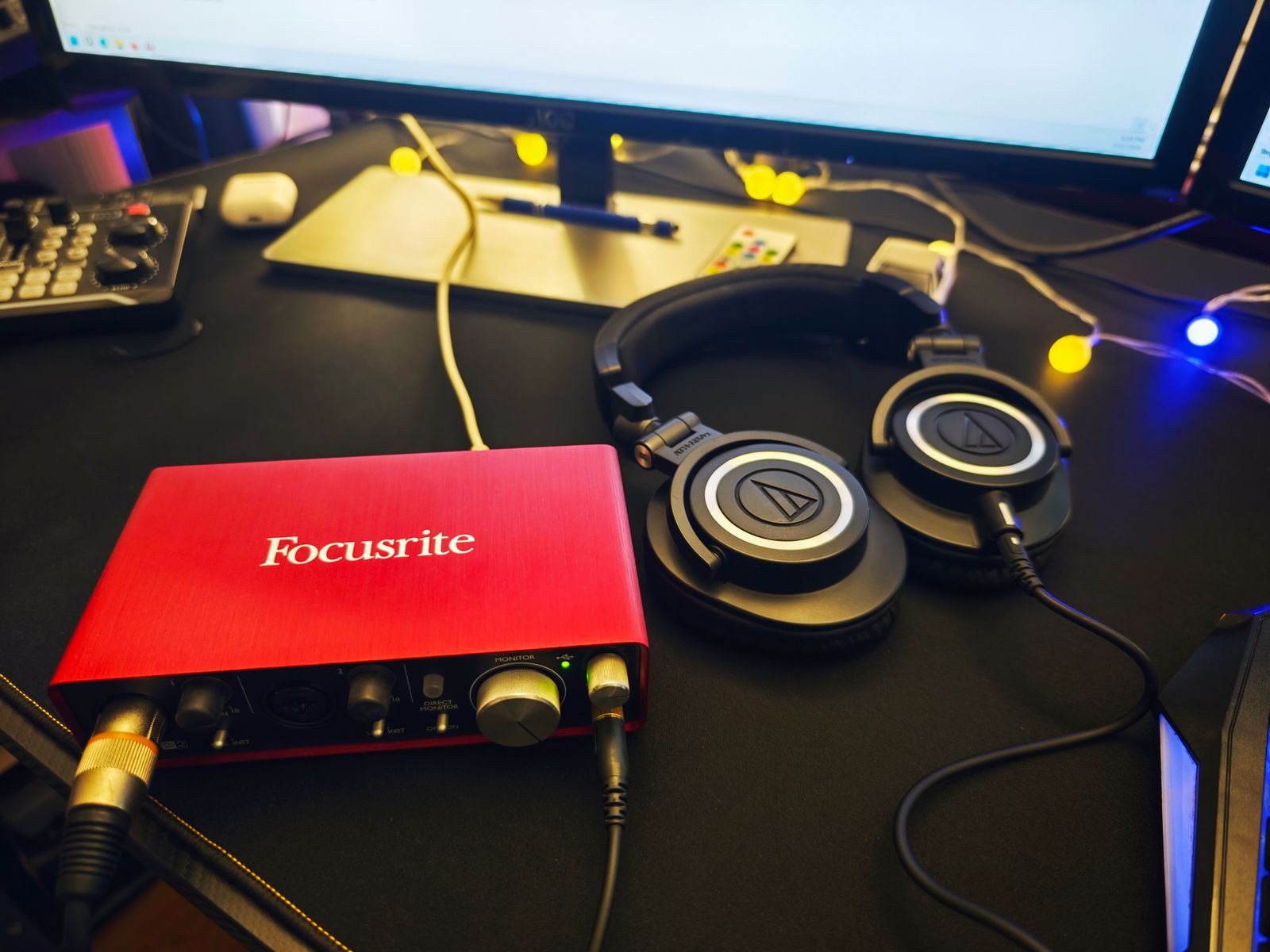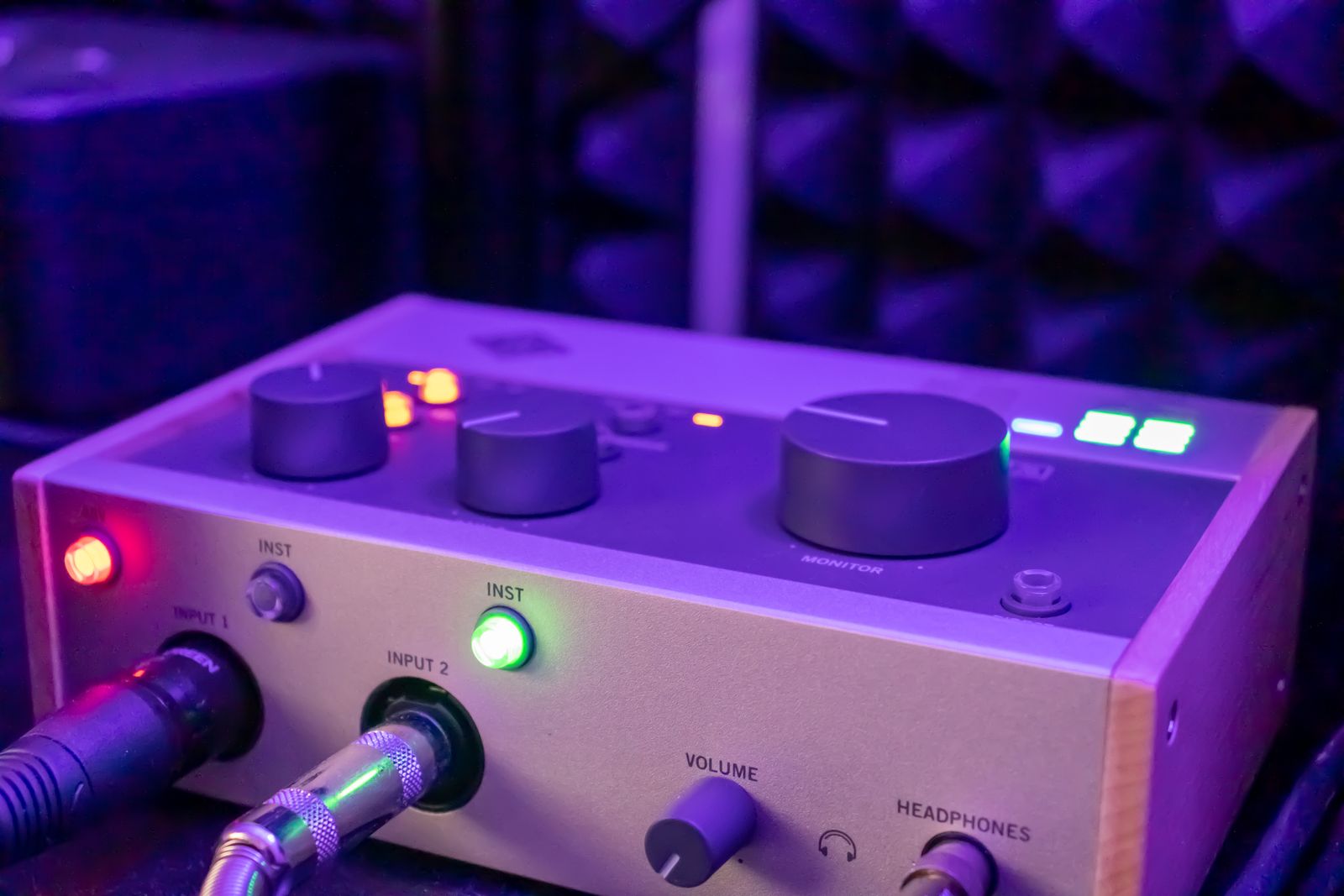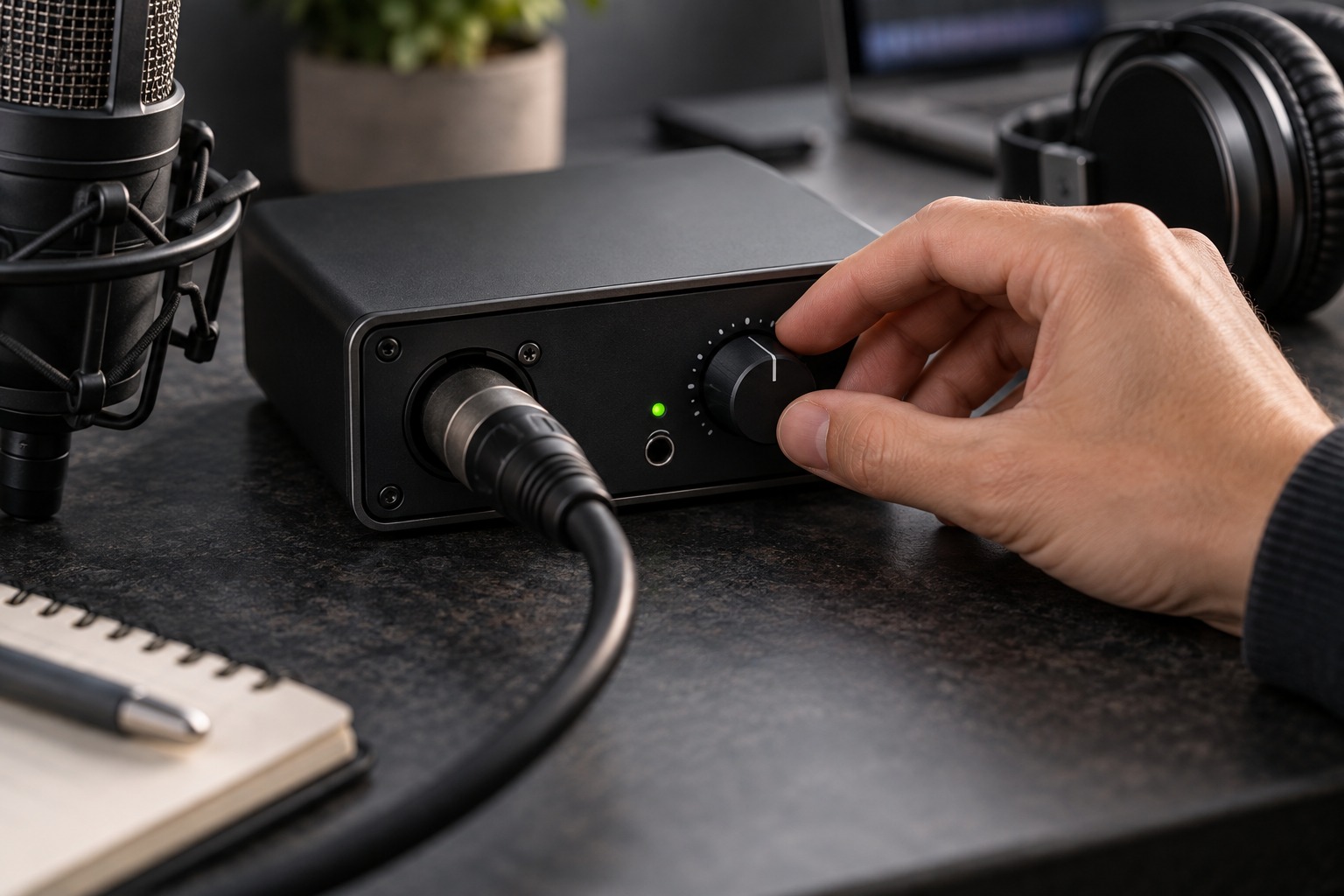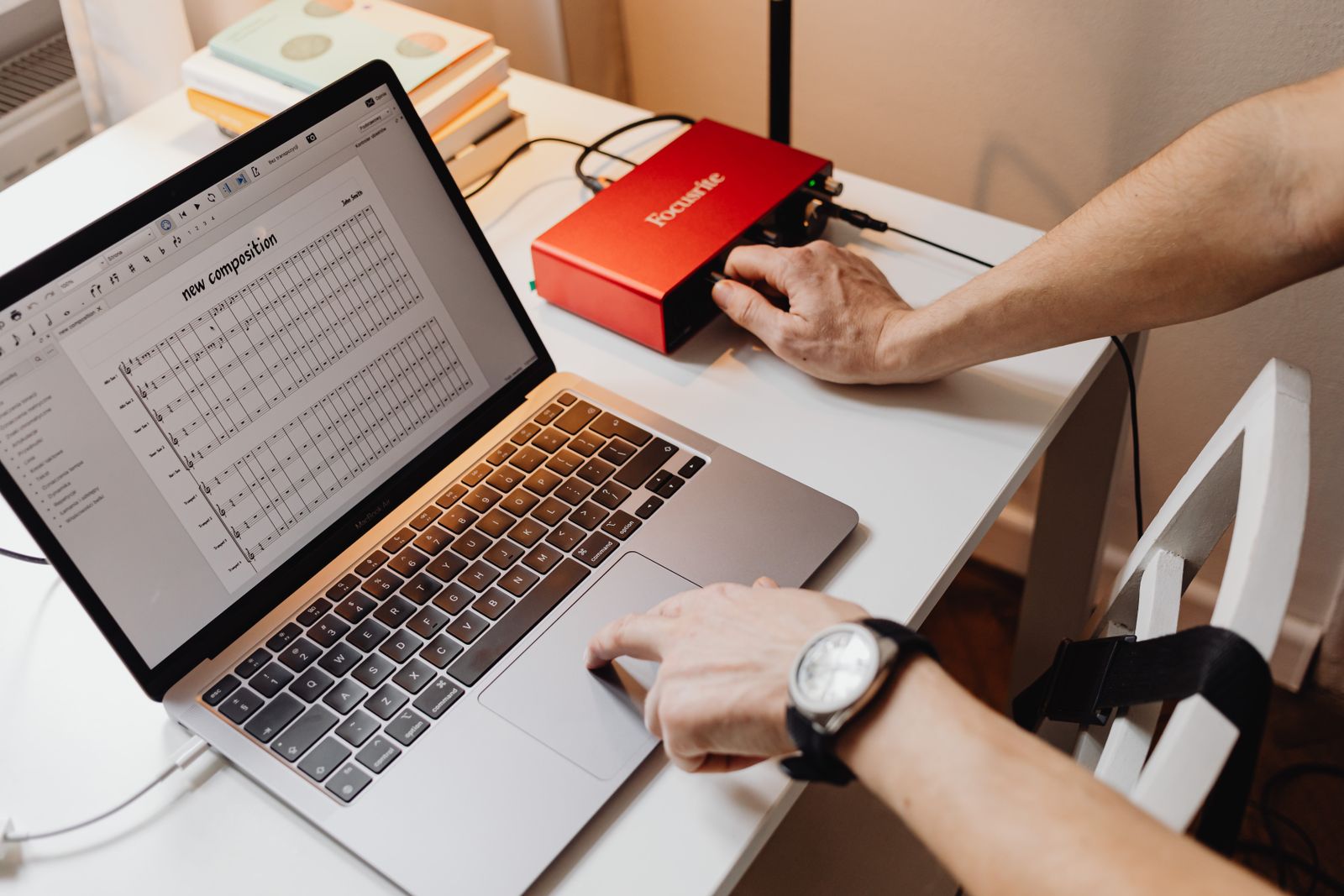
Find the input meter
Identify the meter that shows the signal entering the recording path. A track fader, plug-in output, or master meter may show a different stage. Lowering a playback fader does not undo clipping captured earlier. Use the interface indicators and application documentation to understand where each reading comes from.
Have the performer deliver the loudest intended passage before setting gain. A quiet rehearsal phrase is not representative of a chorus, strong chord, or emphatic spoken line. Start conservatively and leave room above ordinary peaks. Focusrite’s gain guidance explains that recording as close as possible to maximum digital level is unnecessary, particularly in a 24-bit workflow.
Listen to the recorded test
Record a brief passage, stop, and play it back. Inspect any overload indicators and listen for distortion. Do not judge only from the waveform’s apparent height; display zoom can make a healthy recording look small or a weak one look large. Check the actual level indication and the audible result together.
If you hear distortion, locate the stage where it occurs. The source itself, an input stage, a plug-in, or the listening output can each be involved. Bypass optional processing for a simple test and compare at a comfortable level. A clean input recording can still be distorted later by an effect or overloaded output, while a distorted input cannot be repaired merely by turning down the master.
Keep monitoring separate from recording gain
If the performer cannot hear themselves, adjust the headphone mix or listening level appropriately rather than automatically increasing input gain. A backing track may simply be too loud. Confirm that the microphone is routed into the intended mix and that duplicate monitoring paths are not causing confusion.
After changing microphone distance, instrument output, or pickup selection, repeat the level check. Those changes can alter the signal arriving at the interface. Note the setup but do not assume a marked knob position is a universal preset for every performer or song.
Make recovery decisions while the session is open
If an important phrase overloads, record another take while the performer and setup are still available. Keep the original until you have checked the replacement, but do not rely on later restoration as the normal recording plan. Label the corrected take clearly. A few minutes spent confirming a clean capture are usually easier to manage than discovering the problem after the microphone has been packed away.
Keep a simple test-take note
Write down the microphone position, source setting, and interface input used for the test. Add whether any processing was active. If a later take distorts, this gives you a baseline to compare rather than relying on memory. A performer moving closer, a guitar volume increase, or a recalled plug-in preset can explain why a previously clean route now behaves differently.
Do not change all of those variables at once. Return to a short repeatable passage, lower the relevant input level if overload is indicated, and record again. Compare the new file with the earlier test at similar playback levels. If the distortion remains even when the recorded level is lower, investigate the source and earlier stages instead of assuming the recording application’s meter tells the whole story.