Map three ordinary actions
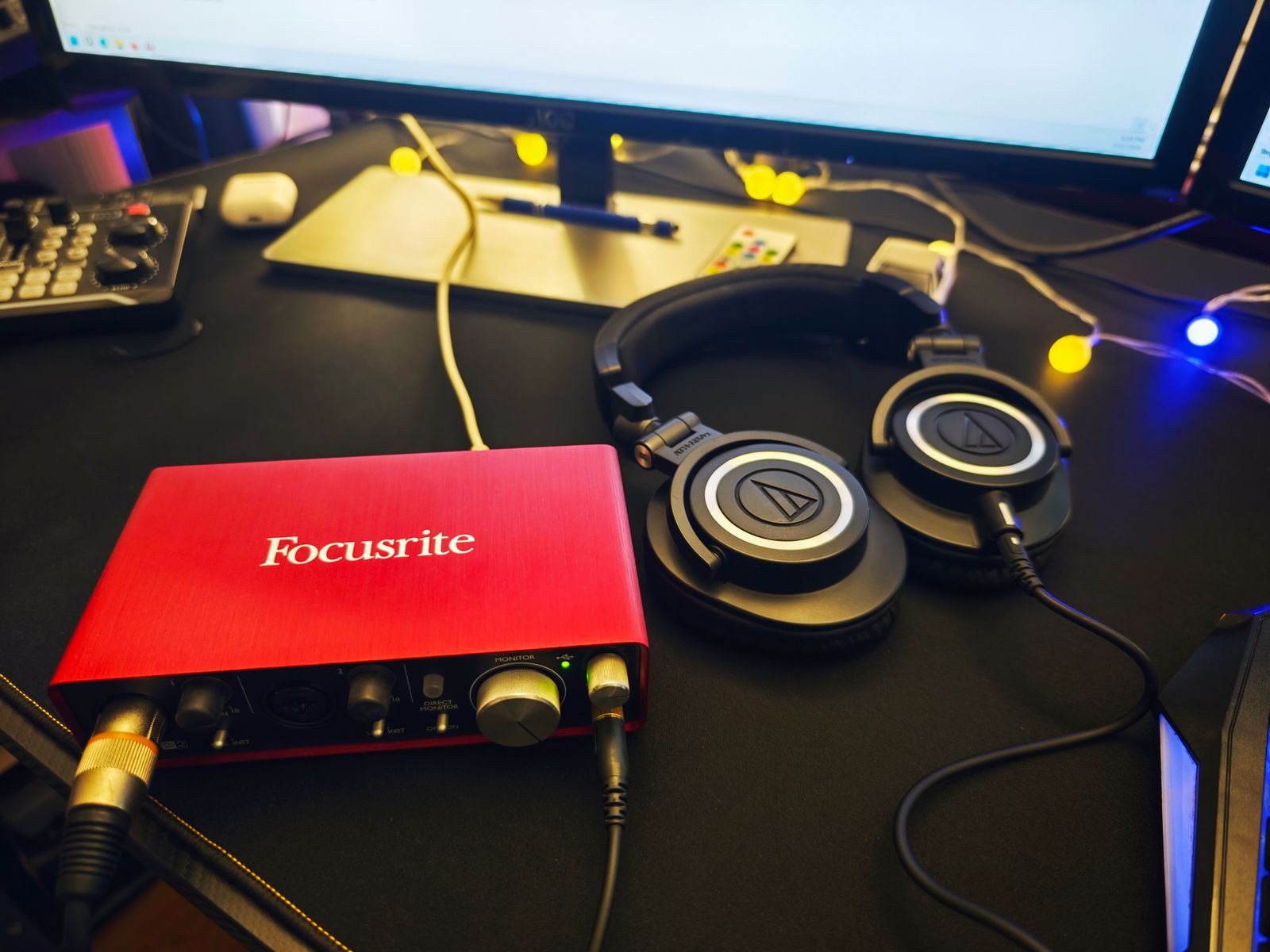
Sit at the empty or cleared desk and act out recording, editing, and ordinary computer use. Where do your hands reach for input gain, headphone volume, and the keyboard? Where does the microphone need to sit when you speak naturally? Mark these working areas before deciding where the interface looks best in a photograph.
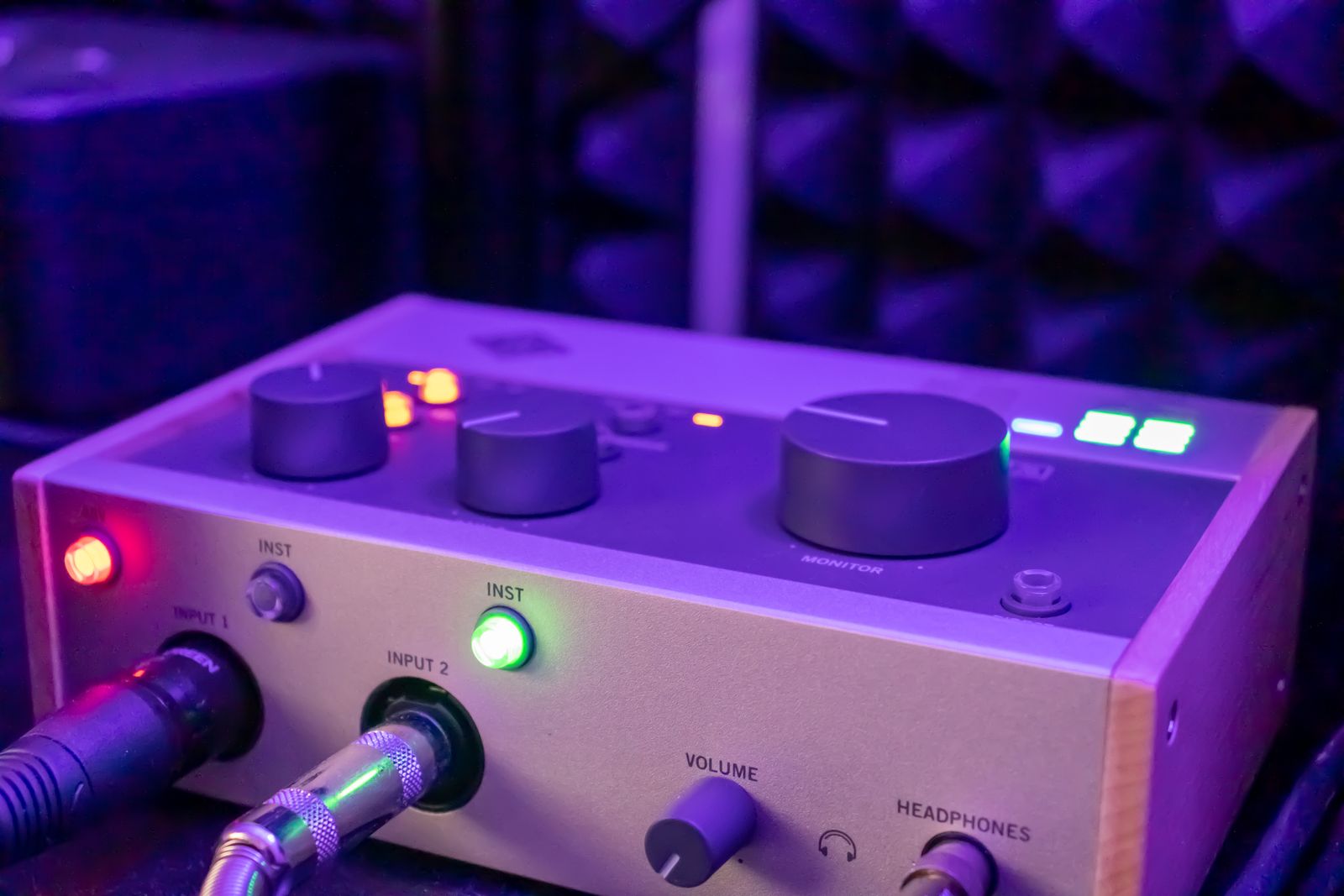
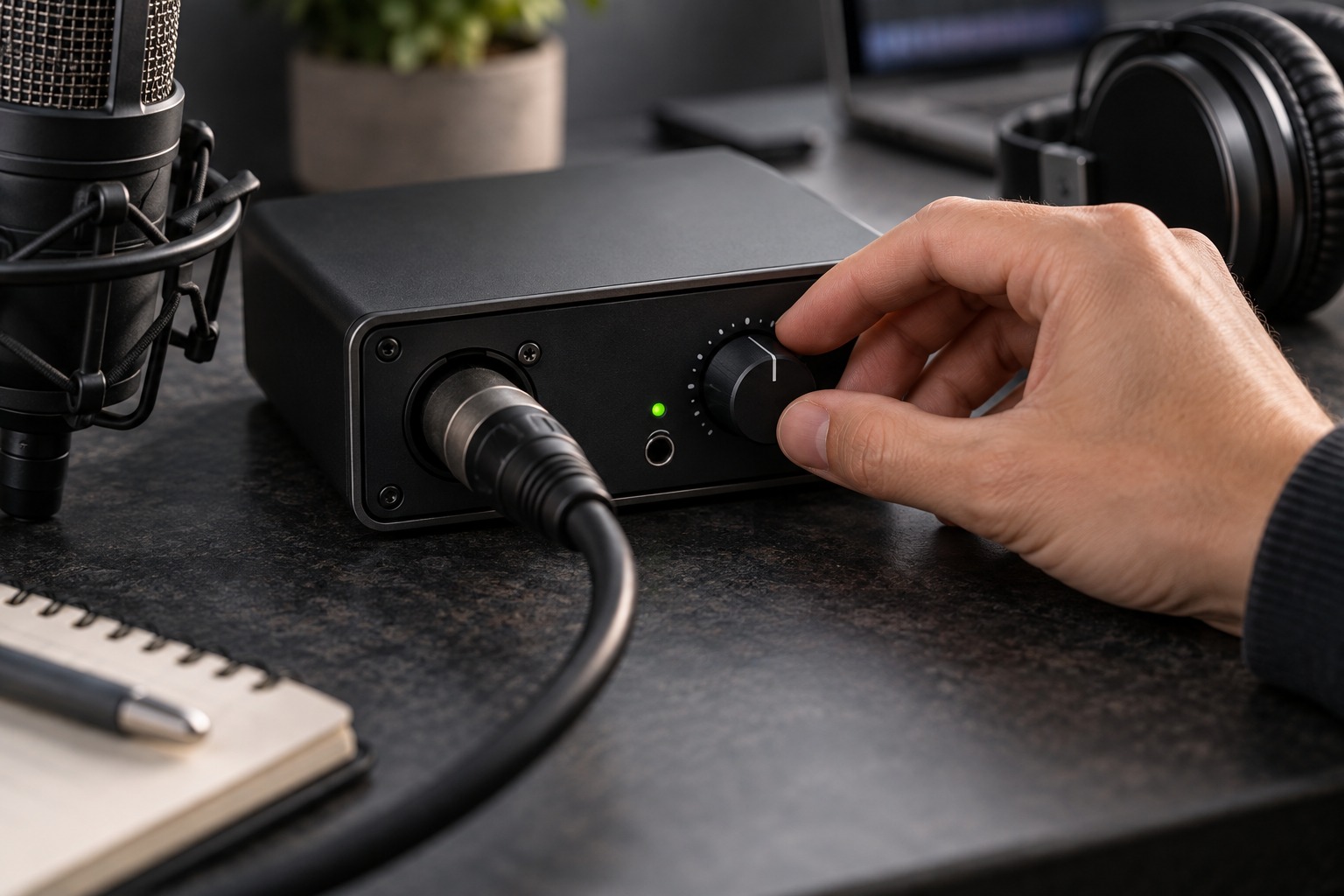
Keep the main listening-level control reachable without leaning across a microphone or instrument. Place equipment that rarely needs adjustment farther away, while preserving required ventilation and connector access. A small desk becomes frustrating when a frequently used knob is hidden behind a display or a cable has to be unplugged to open a drawer.
Reserve space for the performance
A guitar needs clearance for its body and neck; a keyboard needs room for both hands and any pedals. Include that space in the desk plan rather than treating it as whatever remains after the screen is installed. A microphone arm should reach the intended position without forcing the performer into an awkward posture.
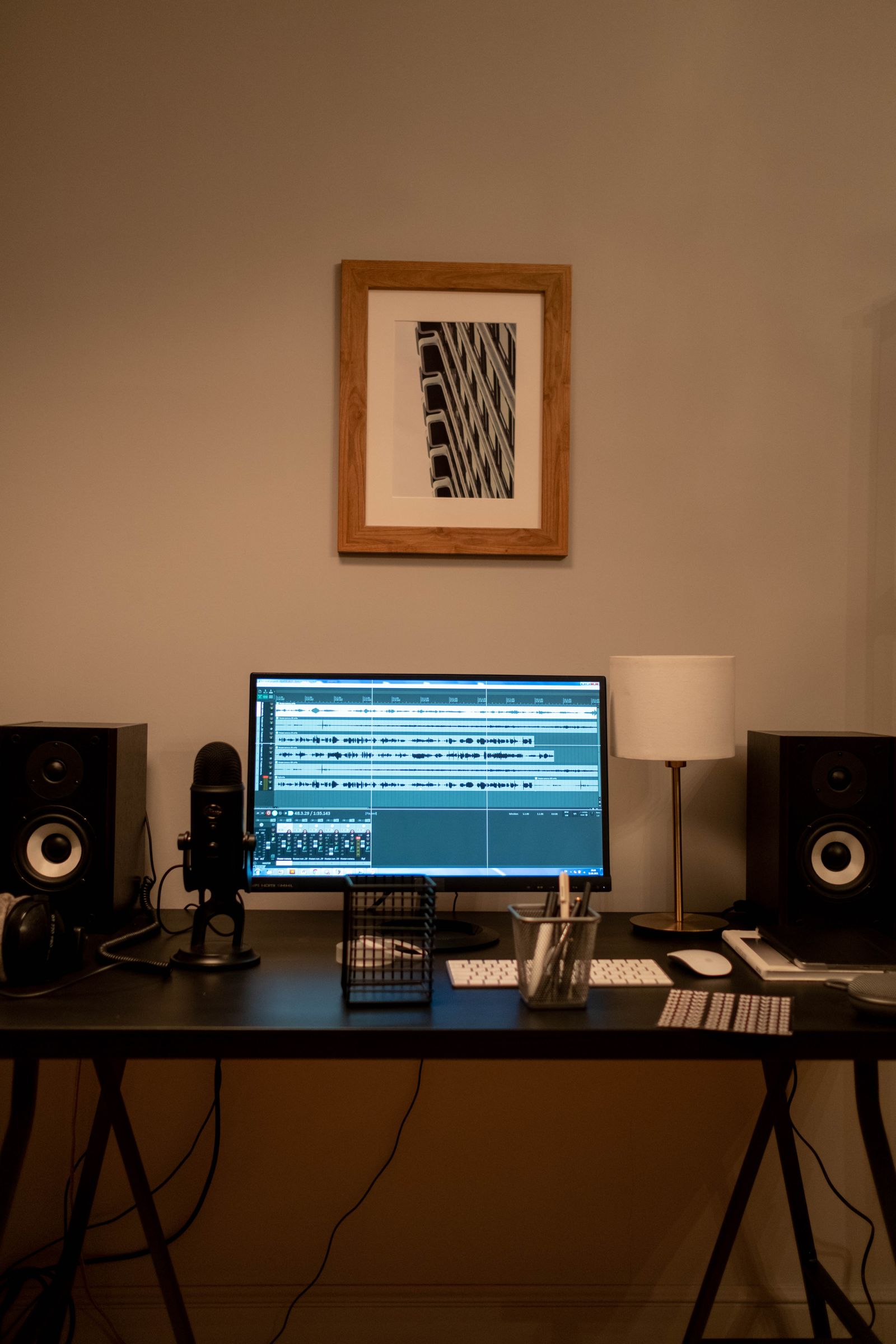
If speakers are included, consider their placement around the listening position and the space needed for stands or tilt. Do not push one behind the display simply to preserve visual symmetry on the desk. If the room cannot accommodate a useful speaker arrangement, a headphone-based recording workflow may be more manageable until the layout changes.
Route cables by movement
Separate cables that remain fixed from those that are connected and disconnected daily. Leave accessible connection points for microphones and instruments, and keep excess length away from chair wheels. Label similar leads by destination. A cable tray is useful only if it does not hide controls, block ventilation, or make troubleshooting impossible.
For a height-adjustable desk, test the full travel with every cable connected. Leave suitable slack between the desk and fixed equipment. Check that an interface cable or headphone lead cannot pull a device off the surface. Secure power accessories using appropriate supports rather than letting heavy adapters hang from sockets.
Run a complete short session
Set up a project, record a passage, listen back, and return the desk to ordinary use. Notice every awkward reach and repeated rearrangement. Move one item at a time until the routine is straightforward. Keep a photograph of the final layout and a simple connection list. The aim is a desk that helps you begin recording consistently, with enough open space to work, rather than a surface filled to its maximum equipment capacity.