Choose one primary monitoring path
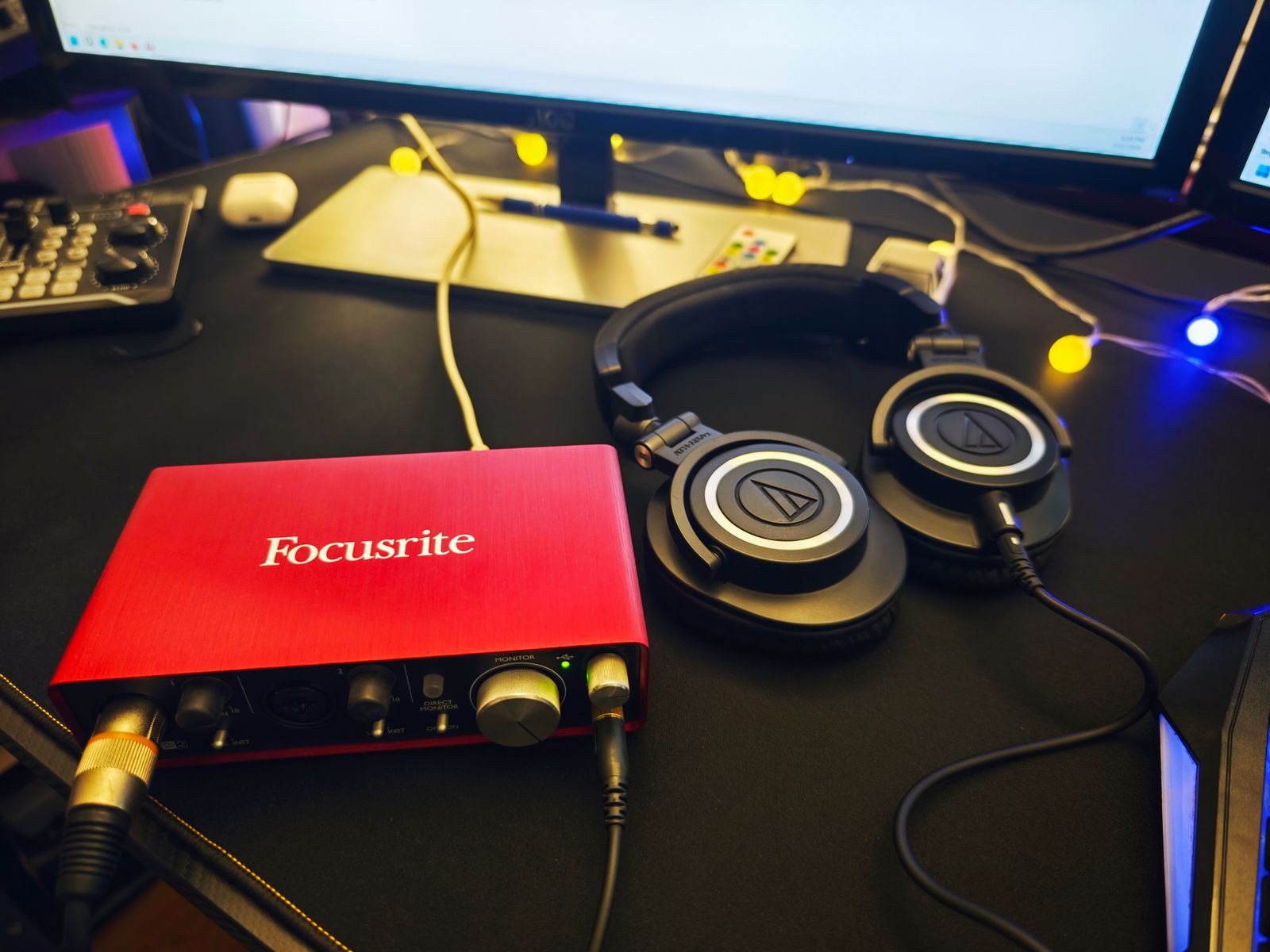
The direct path sends the interface input to its listening output without waiting for the recording application to return it. The software path sends the input through the computer and back. If both are audible together, you may hear a doubled or echo-like version of your performance. Focusrite’s troubleshooting guidance identifies this duplication and advises disabling the unwanted software monitoring route when using direct monitoring.
Locate the track’s input-monitoring control in your recording application. Do not confuse it with record-arm: a track can still need to record while its software monitoring is off. Make a short test recording and play it back to confirm that the intended input is being captured even though you are listening through the interface’s direct route.
Balance the input with the backing track
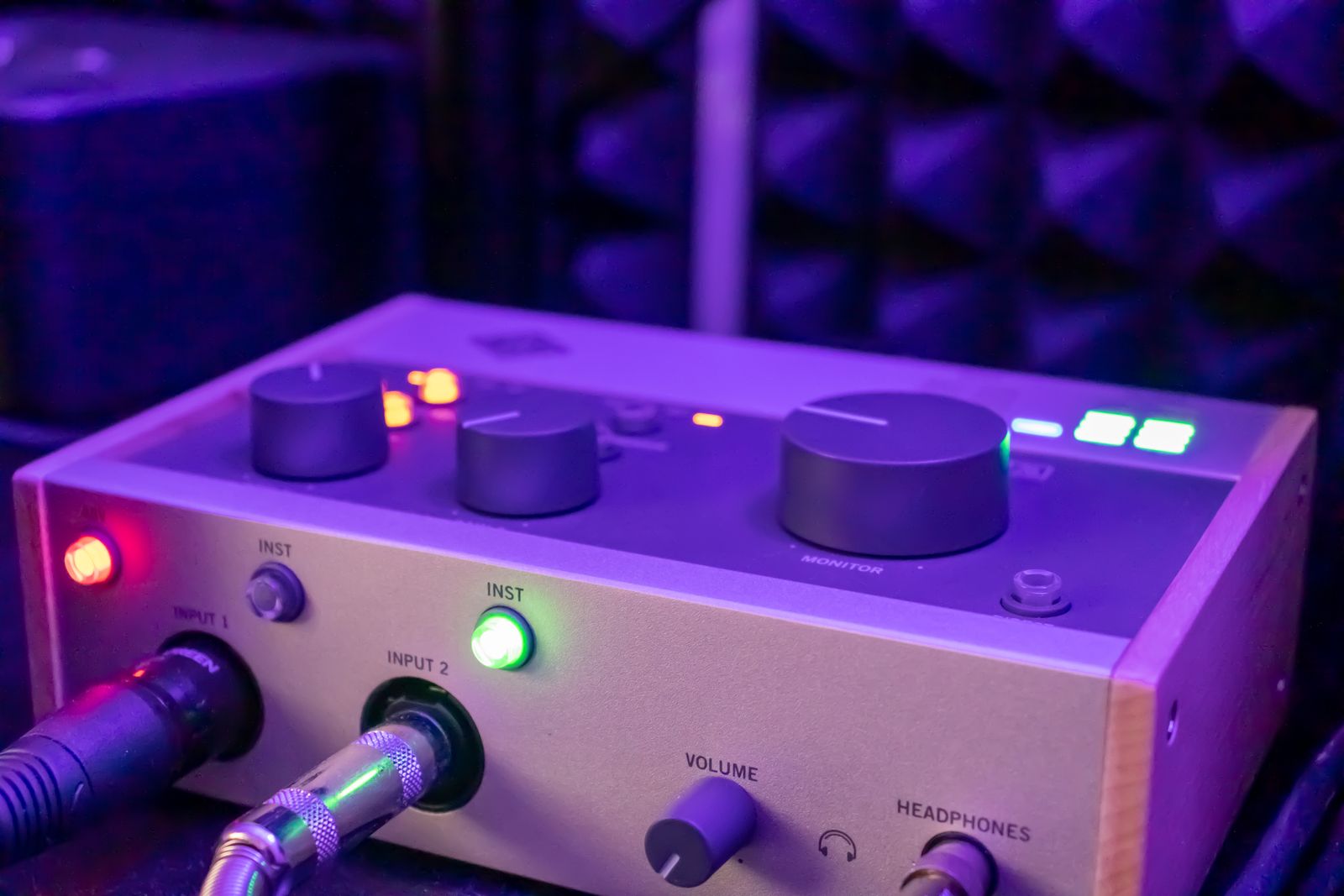
Some interfaces use a physical blend knob; others provide a switch or software mixer. Find how yours combines live input with computer playback. Adjust the listening balance without unnecessarily changing the recording gain. If the backing track is overwhelming, lowering its playback level can be more appropriate than increasing the microphone gain beyond a sensible recording level.
Check whether two live inputs are monitored in mono or stereo. A vocalist should not unexpectedly hear their microphone only in one ear because a stereo monitoring mode is selected. Conversely, a stereo keyboard may need left and right preserved. Follow the model’s routing instructions rather than assuming every direct-monitor button behaves identically.
Know when software monitoring is needed
A dry guitar input heard directly does not automatically include the amplifier plug-in running on the computer. If the effect is essential to the performance, you may prefer a properly configured software monitoring path. Check buffer settings and system requirements, and disable the redundant direct path if it causes a distracting doubled sound.
Save the working configuration with the project notes or interface preset where supported. Before the next session, test a phrase with the backing track and confirm the same route is active. Direct monitoring is useful because it can simplify the performer’s listening experience; leaving several overlapping paths active undermines that benefit.
A voice-over session as a routing example
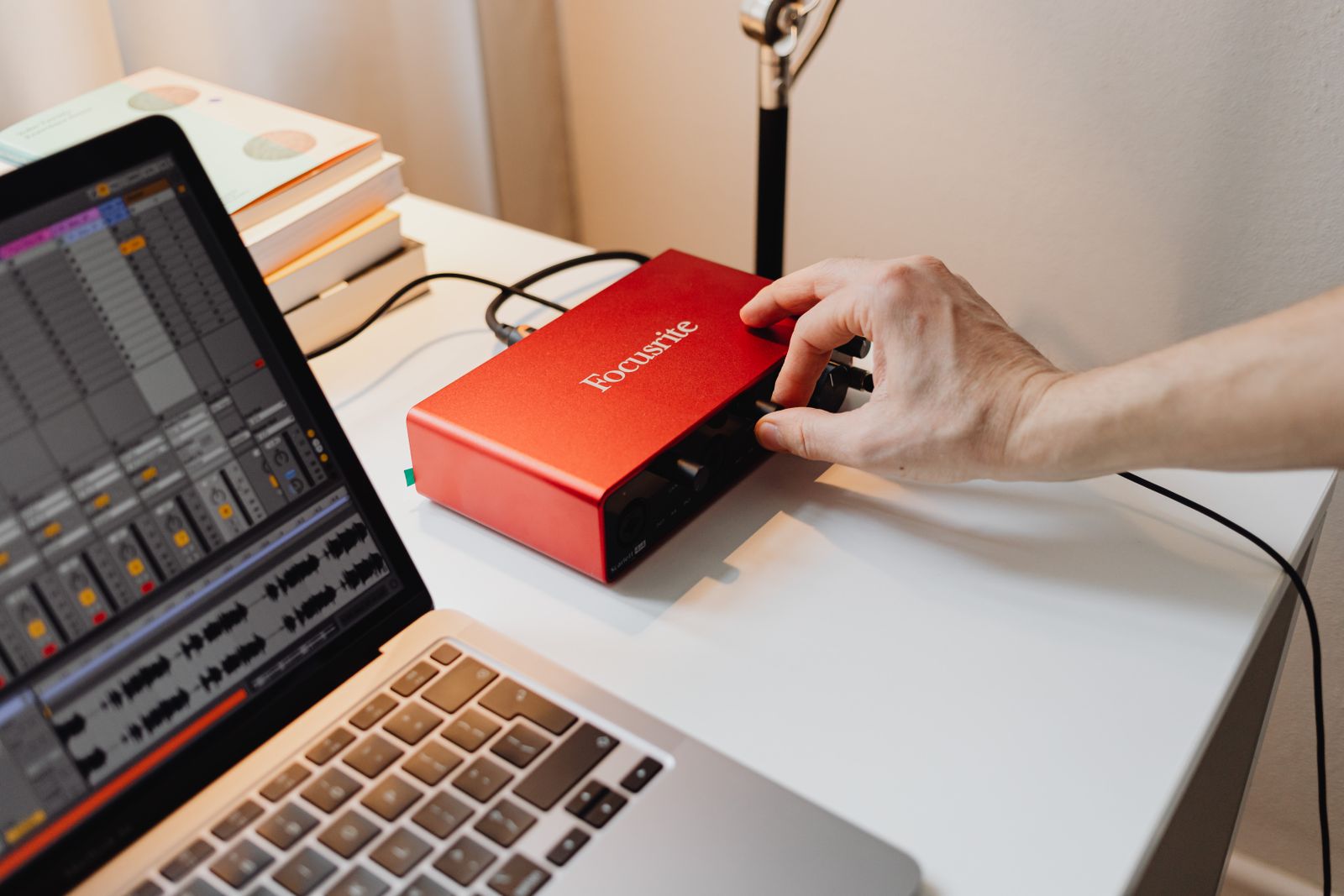
For a simple voice-over, you might listen to the microphone through the interface’s direct path while the recording application captures it on a mono track. A reference video or backing track returns from the computer into the headphone mix. The live track’s software monitor is disabled so the voice is heard only once. After recording stops, playback comes from the saved track instead of the live input.
Check that transition explicitly. Speak while stopped, record a sentence, then play it back without speaking. You should understand which path is audible at each stage. If playback is silent after a track was muted to prevent double monitoring, restore the appropriate playback state according to the application’s workflow. Saving a session template can help, but the template should be tested rather than assumed correct because the first take worked.