Ask what the recipient needs
A collaborator reviewing an arrangement, a mastering engineer and a website upload may need different files. Obtain the requested format, sample rate, bit depth and any level instructions from the actual destination. Do not apply a streaming target or a generic mastering rule to every export. If no specification is given, send a clear question rather than guessing at a technical requirement.
Decide whether the file is a working reference or an approved final version. That distinction belongs in the name and accompanying note. A useful name includes the project, revision and purpose, such as a vocal-up review mix, rather than a chain of final and new suffixes.
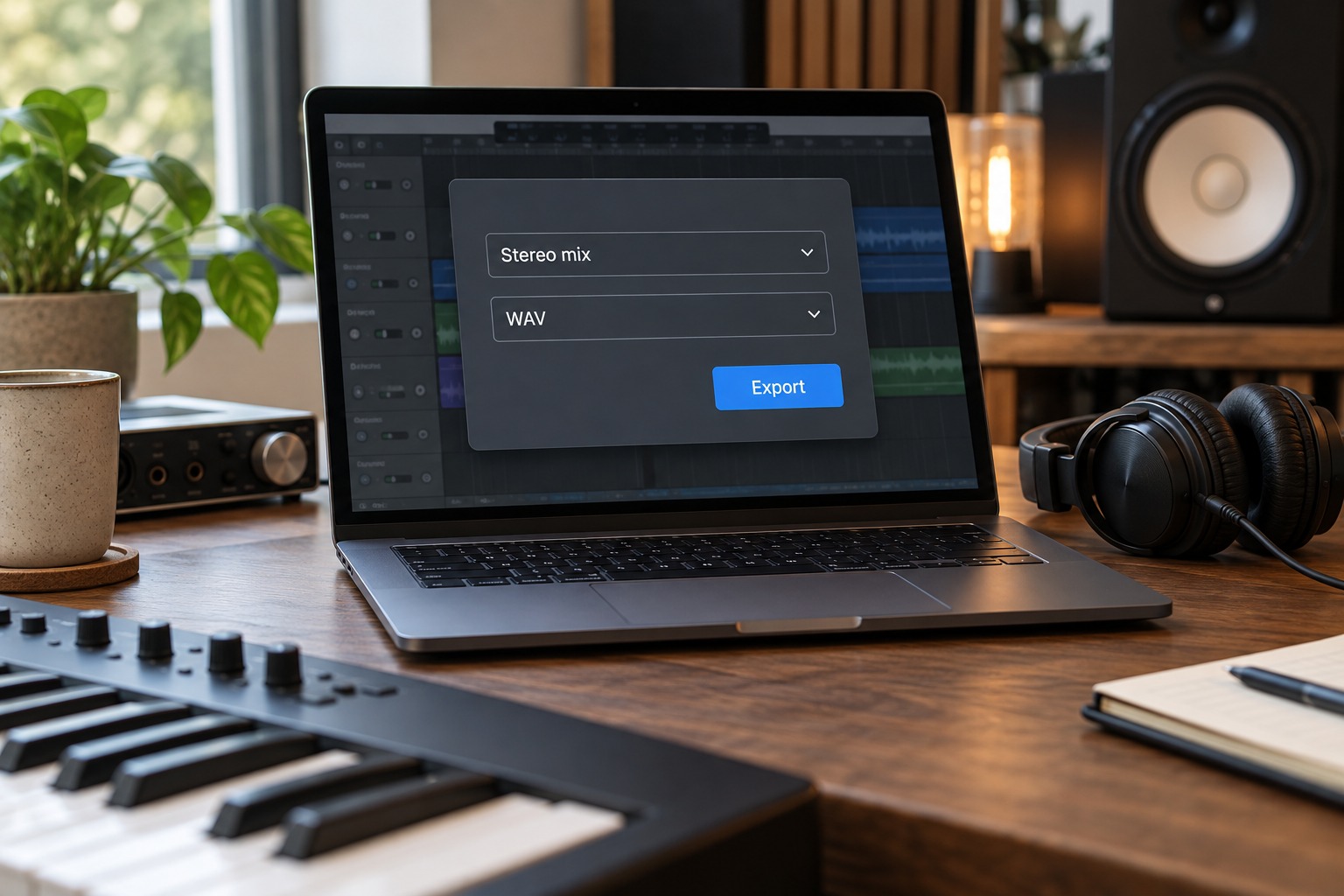
Set the correct range and output
Select the intended start and end points, allowing any reverb or delay tail to finish where appropriate. Check that a loop region or old selection has not limited the export unexpectedly. Confirm which output or bus is being rendered. A stereo file can still contain the wrong source if the render selection points to an individual track.
Inspect mute, solo and reference-track states before rendering. A forgotten solo is an ordinary cause of an incomplete file. If a reference song is in the session, verify that it cannot enter the export. Keep a saved revision of the session that corresponds to the file you are sending.
Treat options as decisions
DAWs offer options such as normalization, sample-rate conversion and dither. Use them according to the destination and the host's documentation, not because every checkbox sounds beneficial. In particular, know whether an option changes the level or format from what the recipient requested. Avoid repeated conversions when a single correctly specified render will do.
If the project uses external hardware or a process that needs real-time playback, follow the DAW's supported rendering method. An offline export may not capture every external path automatically. Test a short section first if the routing is unfamiliar, then listen for the expected hardware contribution in the full result.
Listen outside the session
Open the exported file in an independent player and listen from beginning to end when the delivery matters. Check the first sound, transitions and final decay, not just the opening seconds. Confirm that both channels are present as intended and that the file duration matches the chosen range. A successful export notification does not establish that the musical content is correct.
Compare the rendered file with the saved session at a similar listening level. If there is a difference, investigate routing and export settings before sending another unlabelled version. Keep the verified file in a dedicated delivery folder so it is not confused with a test render.
Finally, send the file with a short note identifying the revision and any relevant request. If you use a compressed sharing format for convenience, retain the appropriate uncompressed source render as well. A clear export routine reduces the chance that a collaborator reviews the wrong mix or that the only surviving copy is a low-quality preview.
A review-file handoff
For a collaborator checking an arrangement, agree whether the request is simply to listen or to import the file into another session. A listening copy may be convenient in a compressed format, while an import intended to align with other material needs clearly specified timing and format. Do not assume that the same file serves both purposes just because it plays on a phone.
Put the verified render in a folder with a brief note such as which revision it represents and what feedback is requested. If a second version changes only the vocal level, name that difference explicitly. Keep the two files at comparable playback levels where that comparison is intended, and avoid changing unrelated processing at the same time. This makes the recipient's response about the requested musical choice rather than an accidental difference in export settings.