Understand the main conversion
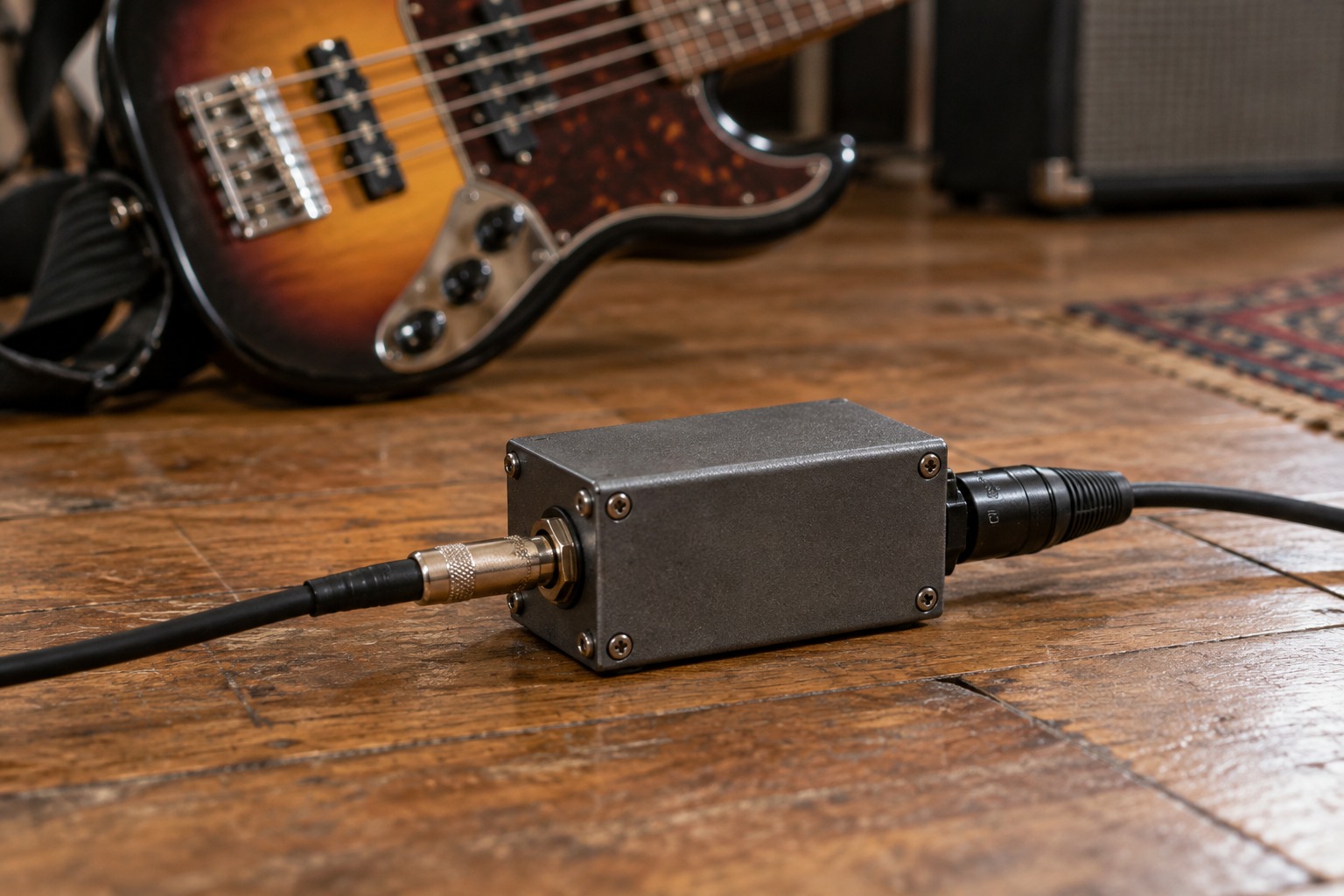
A conventional DI converts an unbalanced instrument signal into a balanced, low-impedance microphone-level signal for an appropriate input. Radial’s direct-box explanation describes this basic role. It is not simply a plug adapter, and it is not automatically a replacement for an audio interface. The destination still needs a suitable recording or mixing input.
If your interface already has an instrument input suitable for the guitar and the cable run is simple, a separate DI may not be necessary. A DI can become useful when the connection arrangement calls for it, such as feeding a microphone input while also providing a supported through connection to an amplifier. Evaluate the actual route instead of adding one by habit.
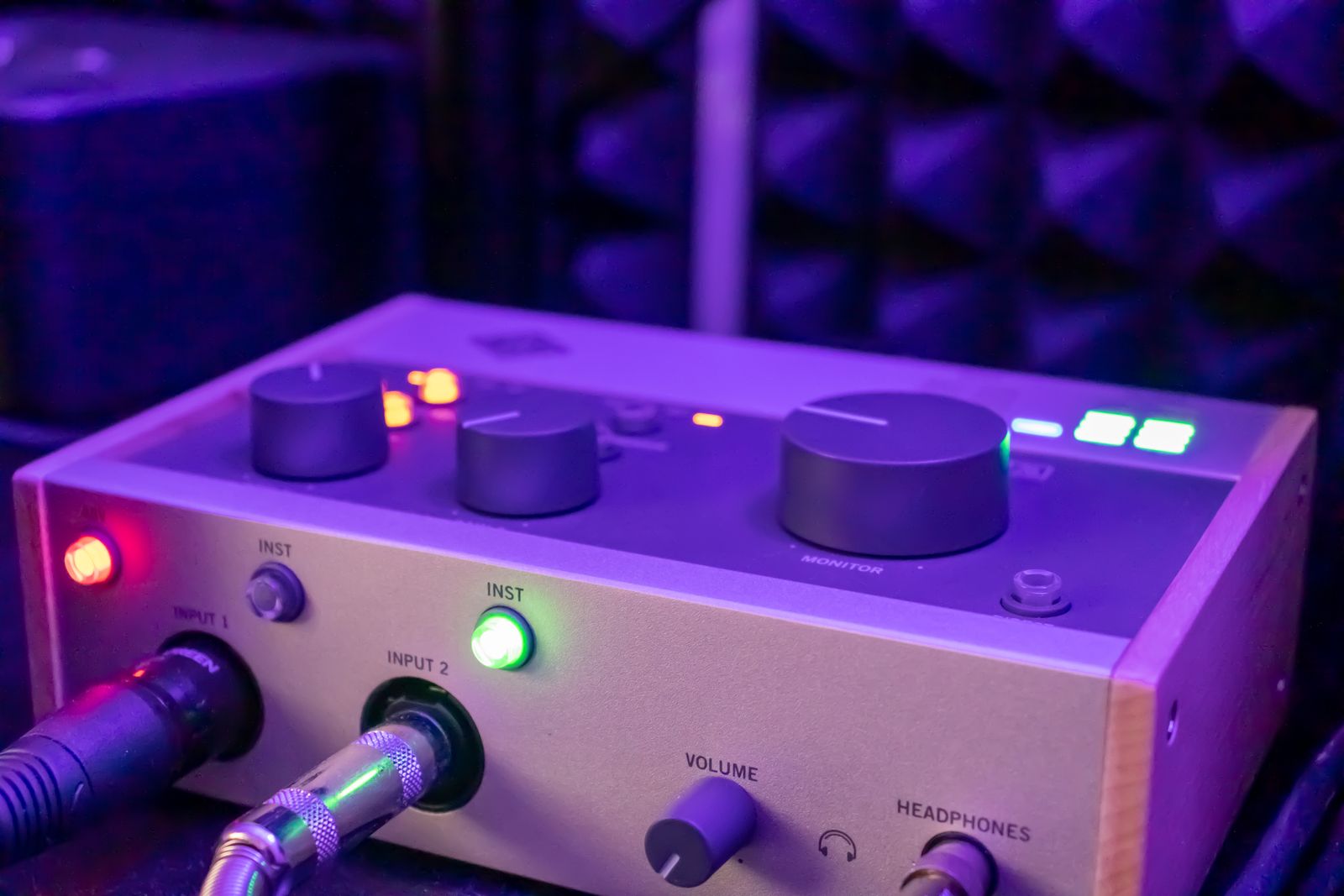
Read every socket label
The input, through output, and balanced output have different jobs. Check the model’s diagram before connecting. A through output may pass the instrument signal onward, but its behavior depends on the design. Do not assume it is a line-level recording output or that every DI can accept an amplifier’s speaker signal.
Active and passive DI models have different power arrangements and input characteristics. An active model may use phantom power, a battery, or another supply as specified. Confirm the requirements and whether the source is compatible. Follow the manufacturer’s pad instructions if one is provided; a pad setting should answer a known level requirement rather than be switched randomly.
Treat ground lift as an audio feature
A DI’s ground-lift control can alter an audio ground connection to address certain hum situations. Radial explains this in its DI guidance. It is not permission to remove a mains safety earth or modify a power cable. If the system hums, test the supported audio controls and cable arrangement while preserving all electrical safety connections.
Record a short reference before and after a change and label it. Check both the recorded signal and any amplifier feed so a fix in one branch does not hide a problem in the other. Keep the final connection diagram with the session notes. A DI is most useful when its purpose is clear enough that you can explain which signal enters, which leaves, and why the destination needs that conversion.
Map a split instrument setup
For a supported arrangement that records an instrument while feeding its amplifier, draw two branches after the DI: the documented through connection toward the amplifier, and the balanced recording output toward the microphone input. Label any power requirement and pad setting on the drawing. This makes it clear that the amplifier’s speaker output is not the source of the ordinary DI recording branch.
Test the branches separately at conservative levels, then together. If a noise appears only when both branches are connected, note that condition before using the DI’s supported troubleshooting controls. Keep the instrument and amplifier settings stable during the comparison. A change in tone or level caused by a different instrument setting can otherwise be confused with the effect of the DI or its switching.