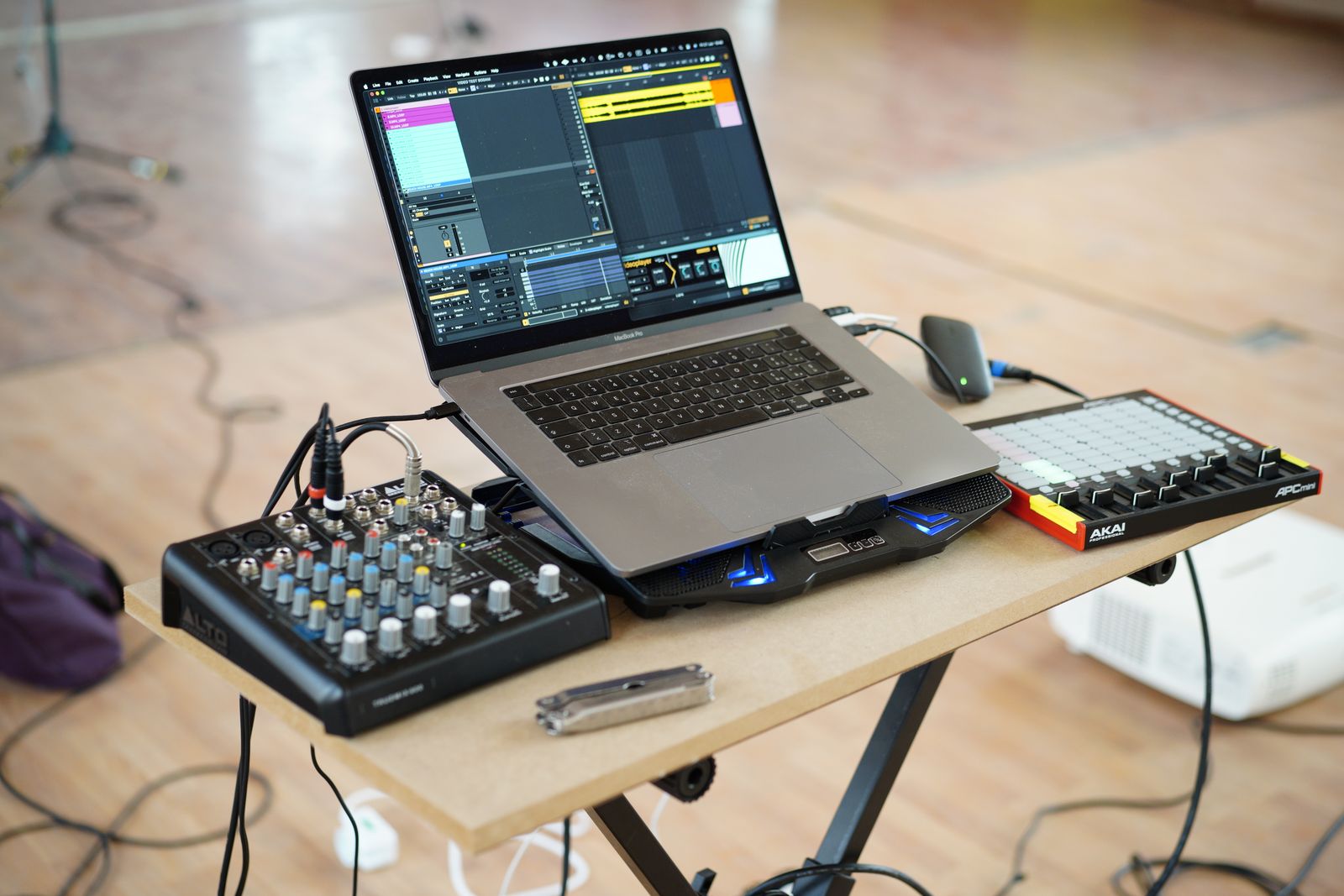
Choose a few repeated actions
List the parameters you change most often: track level, a filter, effect send or transport controls. Begin with a small group rather than assigning every available knob immediately. A mapping should reduce the need to search, not create a second interface you must memorize before making music.
Decide whether you want fixed assignments or controls that follow the selected device. Fixed mappings are predictable across a session; automatic integration may expose the current instrument more flexibly. The controller and DAW documentation should explain which behavior is supported. A product described as compatible may still require a specific setup procedure.
Keep note input and remote control distinct
A MIDI port can serve different purposes in the host. Ableton, for example, distinguishes playing MIDI tracks from enabling remote mapping, and a note assigned to a command can stop functioning as an ordinary instrument note. When a key or pad unexpectedly launches something instead of playing, inspect assignments before assuming the controller is broken.
Test one control at a time. Enter the documented mapping mode, select the software parameter, move the hardware control and leave mapping mode. Confirm the result with a small movement. If several parameters respond, check duplicate assignments or overlapping MIDI messages rather than continuing to build on a confusing setup.
Handle jumps and feedback
A physical knob's position may not match a saved software value when a project opens. Some systems offer pickup, scaling or other takeover behavior to reduce sudden jumps. Read the DAW's options and try them on a harmless parameter at a low listening level before assigning a control that can produce a large volume change.
Endless encoders, ordinary knobs and motorized faders have different behavior. Do not assume a control sends the expected relative or absolute message without checking its configuration. Visual feedback on a controller may also require an output connection or supported integration, not only an input that sends data to the computer.
Save the mapping where it belongs
Determine whether assignments are stored in the controller, the DAW project, a template or a separate preset. Reopen the session and confirm they survive. A mapping that works once but disappears after restarting has not yet become a reliable workflow.
Keep a short note or labeled diagram for the controls you use frequently. If the same knob changes roles between projects, make that difference obvious. A modest set of stable assignments can be more effective than a dense controller whose functions change unpredictably every time a different track is selected.