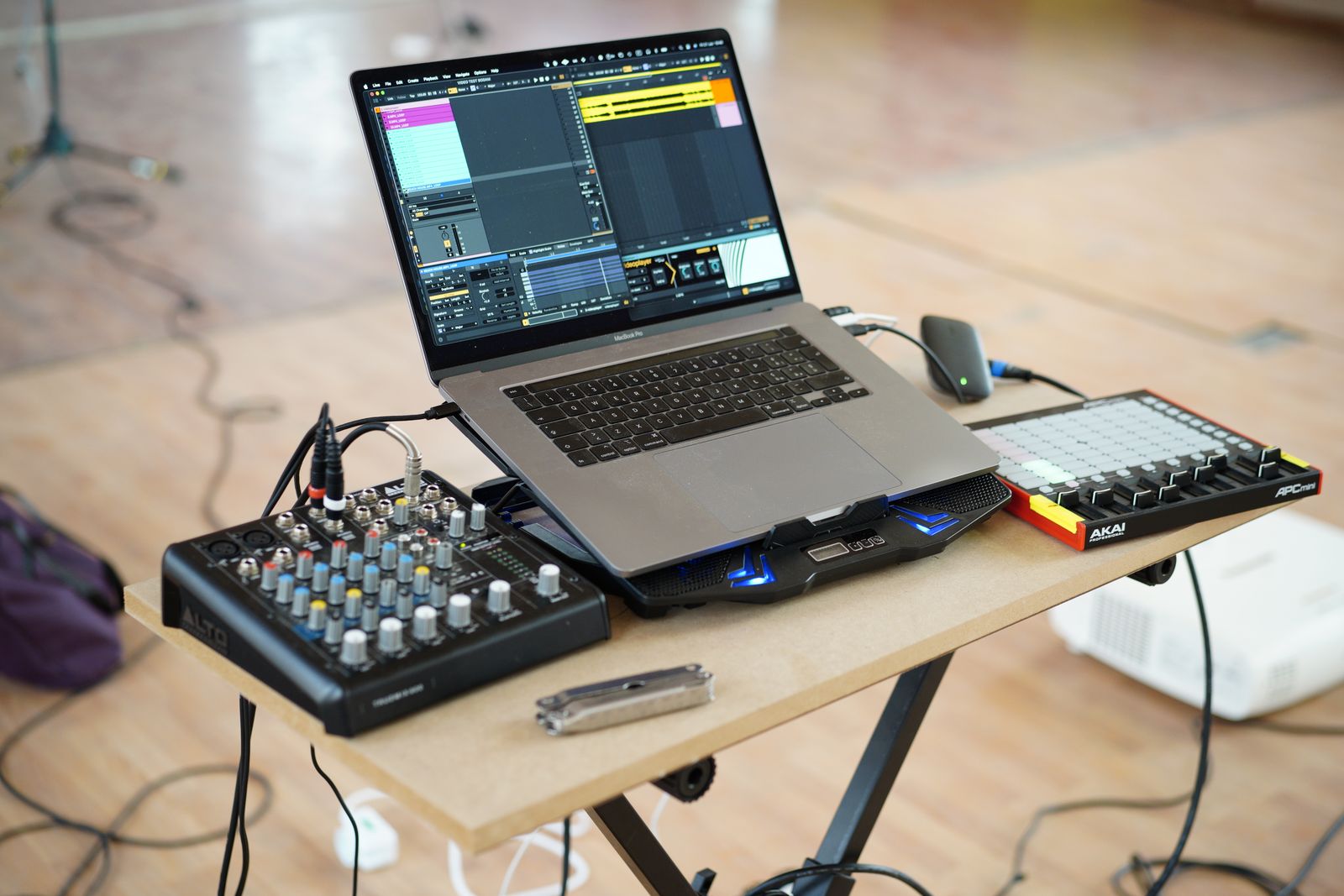
Repeat a workflow before templating it
Notice what you set up in several real sessions: input names, a few track types, a metronome setting or a shared effect return. Those repeated decisions are good template candidates. A complicated routing system copied from a video may be less useful if you do not yet know why each track exists.
Create the template from a clean session rather than a finished song full of hidden edits and leftover recordings. Remove unused media references and check that no private audio or collaborator material is included. A template should be a starting arrangement, not an accidental archive of the previous project.
Make defaults visible
Name tracks by role and label buses or returns clearly. If an input is assigned to a particular interface channel, note that dependency. Another interface may present different names or numbers. Keep recording tracks disarmed unless the workflow specifically requires otherwise, and confirm monitoring behavior before saving.
Use conservative levels and only the effects you genuinely want at the start. A limiter or saturation plug-in on the main output can influence decisions before you notice it. If it belongs in your template, make its presence obvious and understand whether it should remain during recording, mixing and export.
Test a new project from the template
Save the template using the DAW's documented function, then create a fresh project from it. Record a short test, route a virtual instrument and export a file. Check that the new project's media is stored in its own location rather than an old session folder. Reopen it to confirm that the starting arrangement is independent.
Try the template with unavailable optional hardware disconnected. It should be clear which tracks need reassignment and which can work immediately. A silent track labeled only Audio 7 is difficult to diagnose; a track named Vocal input with an input note is easier to restore.
Keep versions small and purposeful
You may want separate templates for a simple recording and a controller-based writing session. Avoid producing many nearly identical variants whose differences are undocumented. Give each a clear purpose and a revision date, and keep a short note of major routing changes.
Review the template after several projects. Remove tracks you always delete and add only the steps you consistently repeat. The value is measured by fewer setup mistakes and a faster first recording, not by the number of channels that appear when the DAW opens. A restrained template is easier to trust because every default has a reason.