Find the overlap
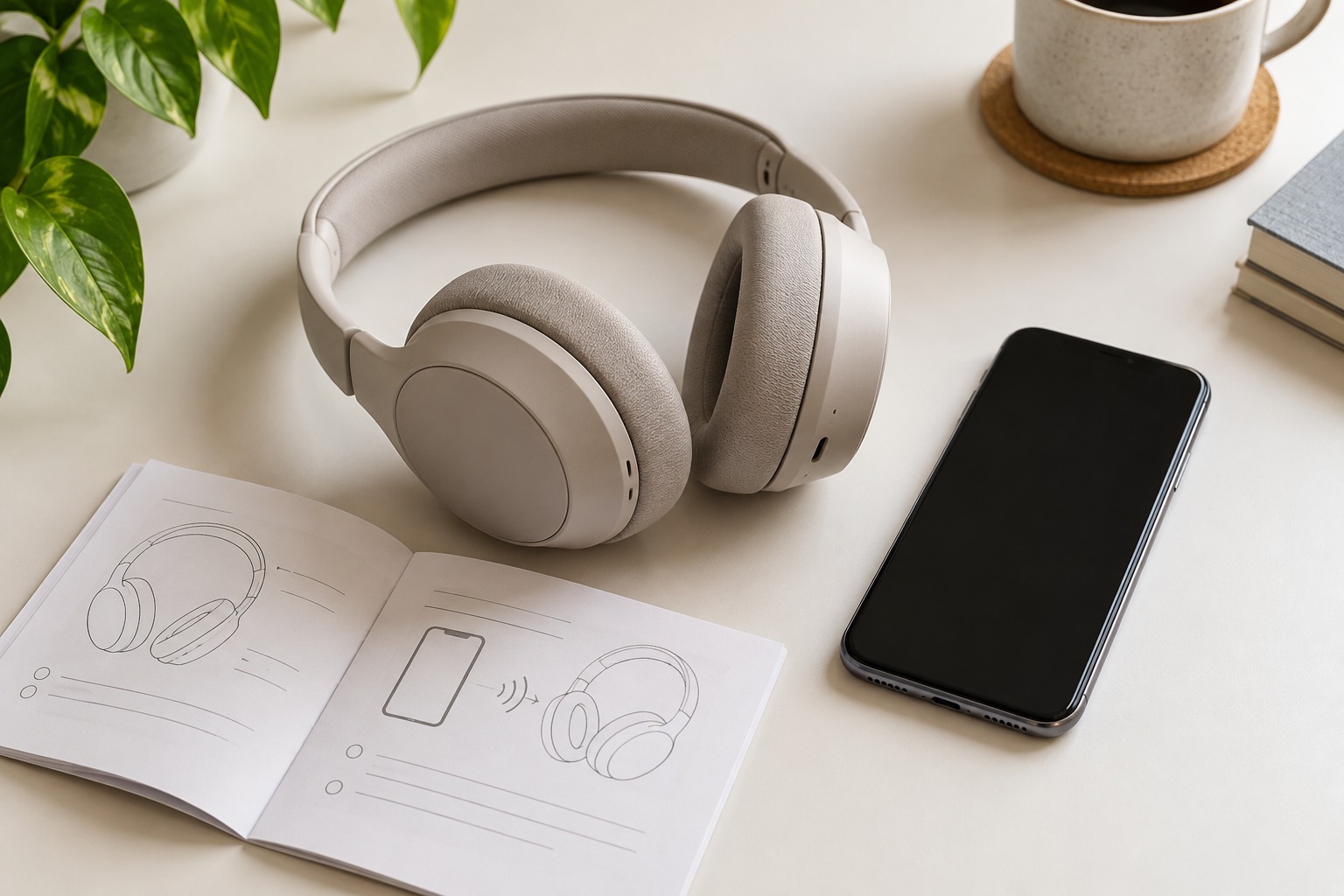
Bluetooth audio involves a sending device and a receiving device. Compare the supported codecs in both specifications; a feature listed only on the headphones cannot be supplied by an incompatible phone. Sony’s compatibility guidance explicitly requires support at both ends for options such as LDAC. The Bluetooth version number alone does not identify the codec that a particular connection will use.
Make a small compatibility note for each source you own: phone, laptop, and perhaps a television. Include the operating system and the headphone model. This avoids buying for one impressive feature that works only on a device you do not use. Treat operating-system settings and manufacturer application requirements as part of the compatibility check.
Check the mode you actually use
A headphone can offer several features that are not available in every combination. Read the model’s guidance for multipoint, low-latency modes, and any higher-bandwidth codec. As a specific example, Sony’s WH-1000XM4 guide states that LDAC is unavailable when its two-device simultaneous connection setting is enabled. That restriction should not be generalized to all newer or different models.
After connecting, inspect the available connection information rather than assuming the preferred codec is active. If the application shows a different mode, check the source settings and any conflicting feature. Avoid changing unrelated developer options without understanding them; a stable supported configuration is more useful than a label that repeatedly disappears after reconnecting.
Put the claim in context
A codec comparison does not replace evaluating the headphones themselves. Fit, tuning, room noise, and the recording all influence the experience. Use familiar music and similar listening levels when comparing configurations. If a high-quality mode becomes unreliable in your usual location, test a stability-oriented setting rather than interpreting dropouts as a fault in the music file.
For video calls or instrument monitoring, investigate the complete application behavior separately. Music-playback specifications do not establish microphone quality or real-time monitoring performance. Buy the combination that supports your ordinary listening and switching routine. A shorter codec list that works consistently with your devices can be more useful than a longer list whose distinctive options remain unavailable.
A phone-and-laptop example
Suppose the phone supports a codec listed on the headphones, but the laptop does not. Music played from the laptop cannot gain that codec simply because the phone is also paired. Assess each connection separately. If most listening happens on the laptop, its supported route deserves more weight than a phone feature used occasionally. This also helps distinguish a connection problem from an unrealistic expectation about which device is sending the audio.
Keep a brief test note with four items: source device, active listening mode, application, and observed connection setting. Repeat the test after reconnecting rather than only immediately after setup. If the mode changes, check whether a call application or second device is involved. This small record makes a manufacturer support question much clearer than saying the headphones never use their best quality setting.