Find out what saving actually stores
A project document can contain edits, routing and references without embedding every recording or sample. Ableton's Collect All and Save guidance explicitly distinguishes ordinary saving from copying referenced media into the project. Other DAWs provide their own collect, consolidate or archive functions. Read the procedure for your application rather than assuming that a small project file contains the whole session.
Identify recordings, imported audio, custom samples, presets and external dependencies. A track that plays today may be reading from a downloads folder or another project. That arrangement can break when a folder is cleaned up. Before archiving, use the DAW's file-management tools to reveal and resolve the relevant external references.
Collect without erasing the source prematurely
Create a clearly named project folder and use the documented collection process. Keep the original material until the collected copy has been verified. Do not combine collection with aggressive deletion of unused files during the same rushed operation. A file that appears unused in one revision may still be needed by an older version you intend to preserve.
Commercial libraries and plug-ins may not be copied by the collection function and may have separate licensing restrictions. Record their names and versions. If a distinctive sound depends on software or hardware that may not be available later, preserve an audio render alongside the editable source where appropriate.
Make a separate recoverable copy
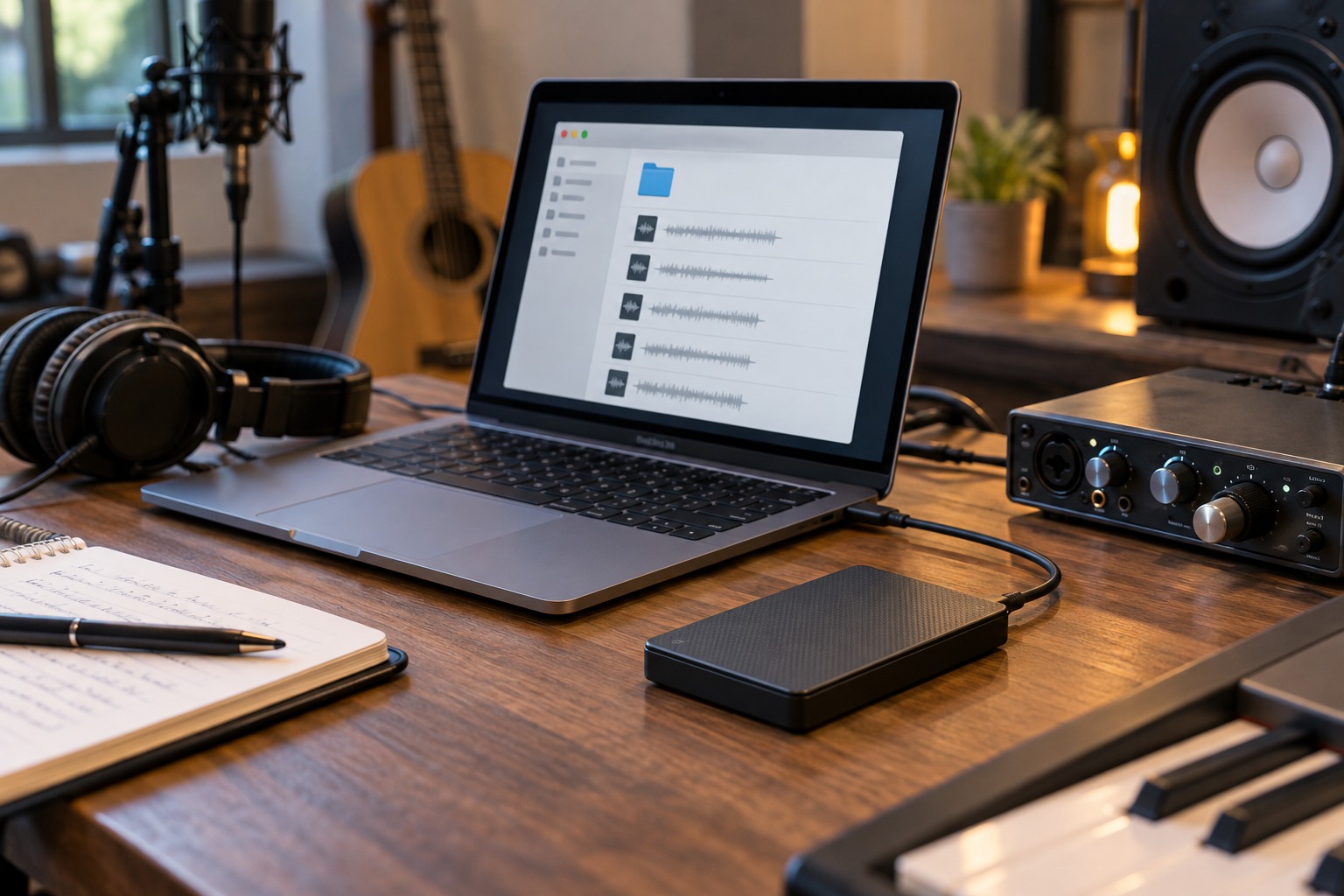
A second folder on the same drive protects against some accidental edits but not against failure of that drive. Choose a backup arrangement with an independent copy and consider an additional location for important work. A synchronized folder also needs version or recovery behavior you understand; synchronization can propagate deletion as well as new files.
Keep backups dated or versioned so a damaged current project does not replace the only healthy copy. Include any accompanying notes, custom presets and source recordings that the project needs. Do not rely on a screenshot of the mixer as a substitute for the actual media and session files.
Restore into a different location
Test a backup by copying it to a new folder and opening that copy. Where practical, temporarily make the original media path unavailable in a controlled way so the test cannot silently read from it. Avoid deleting originals to perform this test. Check several sections, especially tracks that use imported material or custom instruments.
If files are missing, repair the archive process and repeat the restore test. A backup is not proven merely because a ZIP file exists or the copy operation completed. Keep a brief record of which project version was restored successfully and where the verified backup is stored.
Finish by keeping the working project and its backup roles distinct. Continue editing the intended working copy, and update backups on a routine that suits how much work you can afford to lose. This turns recovery from a hopeful search through folders into a process you have already demonstrated.
Check a custom-sample dependency
Imagine that a song uses a drum sample you recorded and left in a temporary desktop folder. The project may play correctly for months while referring to that original file. Copying only the session document to a backup drive can preserve the arrangement but lose the sound as soon as the desktop folder is removed. Use the collection function to include the sample, then verify the collected project without relying on the original location.
A factory library creates a different question: the project may need a licensed instrument and library installation rather than a copy of every library file. Record that dependency and keep an audio render when appropriate. Separating user-created media from reinstallable commercial dependencies makes the archive easier to inspect. It also avoids assuming that a collection command either captures absolutely everything or is useless; it can preserve the media it is designed to handle while other dependencies require their own record.